Why Website Visitors Leave Without Contacting You: 7 Problems You Can Fix
 Zaid 9 min read
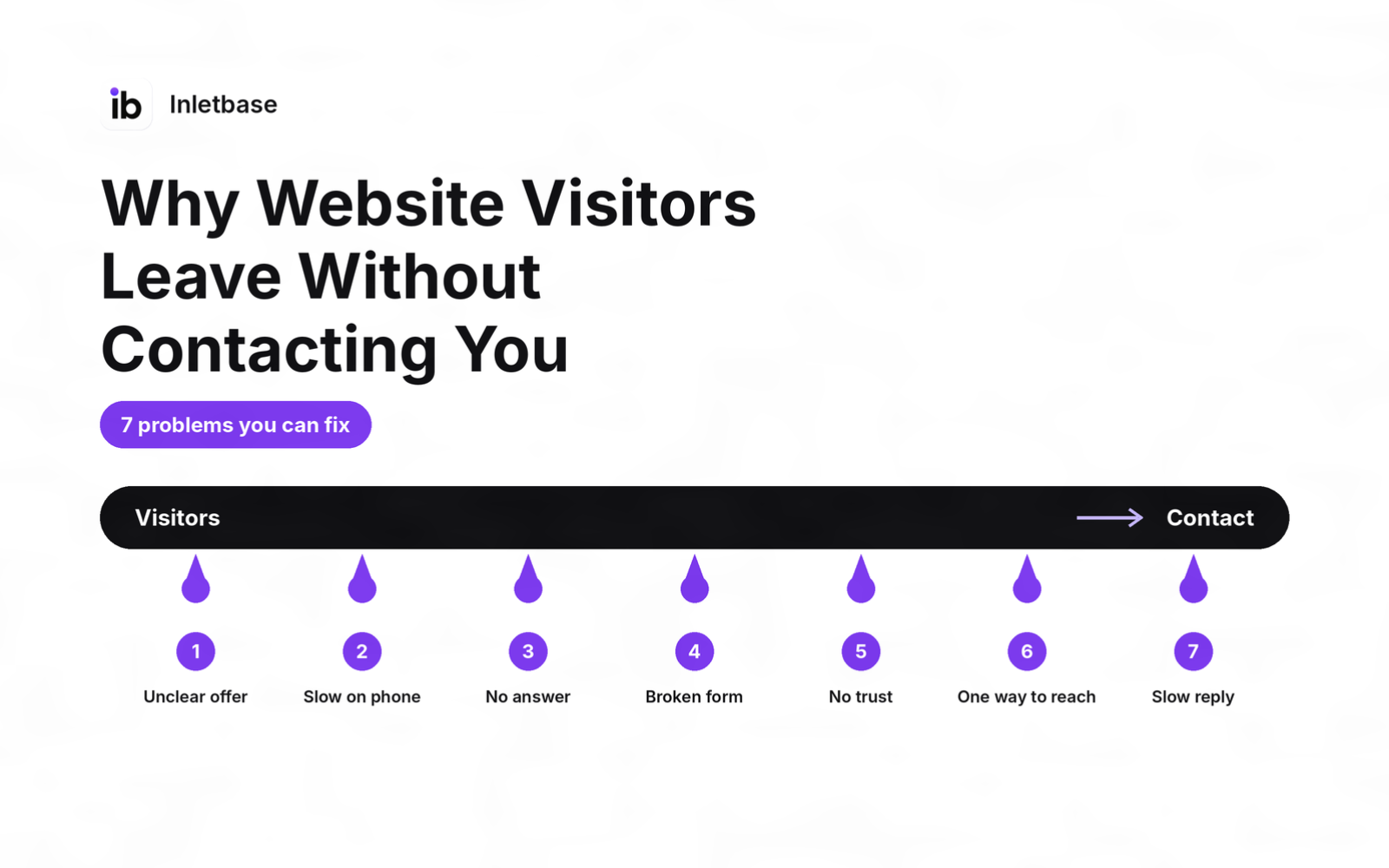
Most visitors leave without contacting you because of a few fixable problems: they can’t tell what you do or what to do next, the site is slow on a phone, a question goes unanswered, the form is long or quietly broken, they don’t trust you yet, there’s only one way to reach you, or nothing suggests you’ll reply quickly. Some visitors will always leave, so fix the ones you can.
The evidence in brief
| What the data says | Source |
|---|---|
| Even pages built to convert lose most visitors: the median landing page converts at 6.6% | Unbounce |
| Users often leave a page in 10 to 20 seconds unless the value is clear | Nielsen Norman Group |
| A 0.1-second mobile speed gain improved lead-generation page bounce rate by 8.3% | Deloitte / web.dev |
| Only 37% of companies replied to a web lead within an hour, and 23% never did | Harvard Business Review, 2011 |
Is it normal for visitors to leave without contacting you?
Yes. Even pages built for one purpose lose most of their visitors. Unbounce’s analysis of 41,000 landing pages puts the median conversion rate at 6.6%, which means roughly 93 in 100 visitors leave without converting. A general website, with many pages and many reasons to visit, usually converts less.
Many of those people were never going to contact you. They were researching, comparing, or checking a detail. In Baymard’s survey of US online shoppers, 42% of those who abandoned a cart said they were just browsing, which shows how big the “not ready” group can be.
So the goal isn’t to stop everyone from leaving. It is to find the reasons you can fix, and fix them.
Is a high bounce rate the same as visitors not contacting you?
No, and mixing them up leads to the wrong fixes. In Google Analytics 4, a session counts as engaged if it lasts longer than 10 seconds, or has a key event (such as a form submission), or has two or more page views. Bounce rate is simply the share of sessions that were not engaged.
That means someone can read your pricing page for a minute and leave without contacting you, and GA4 still counts them as engaged. It also means a quick visitor who found your phone number and left to call you might look like a bounce. So don’t judge your site by bounce rate alone. Track the action you actually want, such as a form submission or a click on your phone number.
Problem 1: They can’t tell what you do, or what to do next
What it looks like: a vague headline, several competing buttons, and no obvious next step.
How to check: show your homepage to five people who don’t know your business for five seconds, then ask what you do and what they would click. If they can’t say, visitors can’t either.
The fix:
- Write a headline that says who you help and what you do, in plain words.
- Choose one primary action (call, book, request a quote) and make it the most obvious button.
- Repeat that same action in the header, the first screen and the end of each key page.
Problem 2: The page is slow or awkward on a phone
What it looks like: images that load late, tiny buttons, a form that is hard to fill in with a thumb.
How to check: open your site on a real phone on mobile data, and run it through PageSpeed Insights. Try to tap your main button and fill in your form with one hand.
The fix: compress images, remove plugins and scripts you don’t need, make buttons large, and keep the contact route one tap away.
Problem 3: A question goes unanswered, and nobody is there to ask
What it looks like: visitors want to know a price range, a timeline, whether you serve their area, or how something works, and the page doesn’t say. They don’t want to fill in a form just to ask.
The fix:
- Answer the repeated questions on the page, in plain language, near the call to action.
- Add a way to ask instantly. An AI chatbot trained on your own content can answer at any hour and hand off to a person when it can’t. See AI chatbot for website: what it is and how it works.
Problem 4: The form is too long, confusing or quietly broken
What it looks like: many required fields, unclear labels, errors that don’t say what’s wrong, or a form that “sends” but never reaches you.
How to check:
- Submit your own form from a phone and note how long it takes and what happens.
- Check that the submission reached you, including your spam folder.
- Compare the number of form submissions in your tool with the number of enquiries you actually received.
The fix:
- Ask only what you need: usually name, email and a short message. Add phone only if you call back.
- Say what happens next, such as “We reply within one working day.”
- Show clear error messages next to the field.
- Store every submission somewhere you can see it, not only in an email that might be filtered. A form backend keeps every submission in a dashboard. See what is a form backend.
Problem 5: They don’t trust you yet
What it looks like: no real names or faces, no address or phone number, no reviews, no examples of your work, and a site that looks unfinished.
The fix:
- Show real people and a real location: names, a phone number, an address or service area.
- Add real reviews and case studies with permission, and link to where they can be verified.
- Show your process and policies, such as pricing approach, guarantees and how you handle privacy.
- Never invent testimonials. Fake or made-up reviews harm trust and can break advertising and consumer rules.
Problem 6: There’s only one way to contact you, and only in office hours
What it looks like: a phone number that goes to voicemail after 5 pm, or a form and nothing else.
The fix:
- Offer two or three ways to reach you: form, phone, and chat or email.
- Cover after-hours visitors with an automatic first response and a promise of when a person will reply.
- Use a human handoff so the chat doesn’t dead-end.
Problem 7: Nothing suggests you’ll reply quickly
What it looks like: no response-time promise, no confirmation message after the form, and a general sense that “nobody ever answers these”.
The fix:
- Promise a response time on the page and in the confirmation message, and keep it.
- Send an instant first reply after the form is submitted, so the visitor knows it arrived.
- Notify a named person and track how long replies take.
For the full approach, read how small businesses can reply to leads instantly.
What does a real diagnosis look like? A worked example
Below is a fictional business used only to illustrate. Replace it with your own results.
Brightside Dental (fictional), 1,800 visits a month, 14 enquiries.
| Check | Finding | Problem | Fix |
|---|---|---|---|
| 5-second test | 3 of 5 people couldn’t say what the practice offers | 1 | New headline and one “Book a visit” button |
| Phone test | Page took long to load, the button was hard to tap | 2 | Compressed images, larger button |
| Last 20 messages | 9 asked about prices and insurance | 3 | Added a pricing and insurance section, plus a chatbot |
| Form test | 8 fields, one broken on a phone | 4 | Cut to 3 fields, fixed the field |
| Spam folder check | 2 real enquiries found in spam | 4 | Moved submissions into a dashboard |
| Timestamps | A third of messages arrived after 6 pm | 6 | Automatic reply and a promised reply time |
The 30-minute leak hunt
You can find most of your leaks with free tools in half an hour.
- Set up the action you want to count (5 minutes). In GA4, make sure form submissions and clicks on your phone number are recorded as key events.
- Check engagement by page (5 minutes). Add the engagement rate and bounce rate columns to the Pages and screens report, then compare your key pages with each other and with their own history.
- Run the 5-second test (5 minutes) with five people.
- Test on a phone (5 minutes): speed, the main button and the form.
- Submit your own form (3 minutes) and check where it lands, including spam.
- Read your last 20 enquiries (7 minutes) and note repeated questions and the time of day.
Write down what you find, fix the top two problems, and measure again in a month. Don’t change everything at once, or you won’t know what worked.
Where does Inletbase fit in?
Inletbase is a form backend and AI chatbot platform, so it covers three of the seven problems directly: unanswered questions, forms that quietly fail, and slow replies.
- Unanswered questions: you train a chatbot on your own files, website pages, text snippets and question-and-answer pairs, and add it to your site with one embed script. Human handoff is included, so a visitor whose question needs a person can be passed to your team.
- Forms that fail: forms on any site, including WordPress, Framer, Webflow and custom code, send submissions to Inletbase, so every one is saved in your dashboard, next to your chatbot conversations.
- Slow replies: you can send an automatic AI reply the moment a form is submitted, so visitors know it arrived and what happens next.
For your CRM, there is a native HubSpot sync, webhooks to any app, and workflows with conditions. The free plan includes one AI chatbot and a form, integrations are available on the Pro plan and above, and the pricing page has current limits.
Pick it if you want to answer questions at any hour, keep every submission in one place and reply instantly. To go deeper, read what is a customer conversations platform and how to automatically add new leads to your CRM from a form.
What mistakes should you avoid?
- Chasing 100%. Some visitors will always leave.
- Judging by bounce rate alone, instead of the action you want.
- Redesigning everything before finding the real leak.
- Adding more traffic to a site that already loses people.
- Adding a chatbot without a person behind it.
- Never testing your own form.
- Quoting someone else’s conversion rate as your target. Compare against your own history.
Conclusion
Visitors leave without contacting you for a handful of reasons, and most are fixable. Make the offer and next step obvious, speed up and tidy your mobile site, answer common questions, simplify and test your form, show real trust signals, offer more than one way to reach you, and promise and keep a fast reply. Then measure again.
Next step: try Inletbase free to add a chatbot and a form that stores every submission, or see the getting started docs.
Frequently asked questions
Why do website visitors leave without contacting me?
Usually because of a few fixable problems: they can’t tell what you do or what to do next, the page is slow on a phone, a question goes unanswered, the form is long or broken, they don’t trust you yet, there’s only one way to reach you, or nothing suggests you’ll reply quickly.
Is it normal for most visitors to leave without contacting you?
Yes. Even pages built to convert lose most visitors. Unbounce’s analysis of 41,000 landing pages found a median conversion rate of 6.6%, and many visitors are only researching. Aim to fix the reasons you can control rather than expecting everyone to contact you.
What is a good website conversion rate?
It depends on your industry, traffic and goal, so avoid chasing a universal number. Unbounce’s median for landing pages is 6.6%, but that is a median, not a target. Compare your conversion rate with your own past results and fix the biggest leak first.
Is a high bounce rate the same as visitors not contacting me?
No. In Google Analytics 4, a bounce is a session that was not engaged, meaning it was under 10 seconds, had no key event and had fewer than two page views. A visitor can read for a minute and leave without contacting you and still count as engaged.
How do I find out why visitors aren't contacting me?
Track the action you want in Google Analytics 4, compare engagement by page, run a five-second test with people who don’t know your business, test your site and form on a phone, submit your own form and check it arrives, and read your last 20 enquiries for repeated questions.
Does page speed affect how many people contact me?
It can. A Google-commissioned study by Deloitte and Fifty-five linked a 0.1-second mobile speed improvement to an 8.3% better bounce rate on lead-generation information pages. The data is from 2019, so treat it as directional and test your own site on a phone.
Should I add a chatbot to my website to get more enquiries?
It helps if visitors have questions your pages don’t answer or contact you outside office hours. Train it on your own content, give it a clear route to a person, and test it before launch. A chatbot without a person behind it can frustrate visitors.
How fast should I reply to a website enquiry?
As fast as you can, ideally within an hour. A Harvard Business Review study from 2011 found firms that contacted leads within an hour were nearly seven times as likely to qualify them, yet only 37% replied that fast. Send an instant automatic reply, then follow up personally.
Related articles
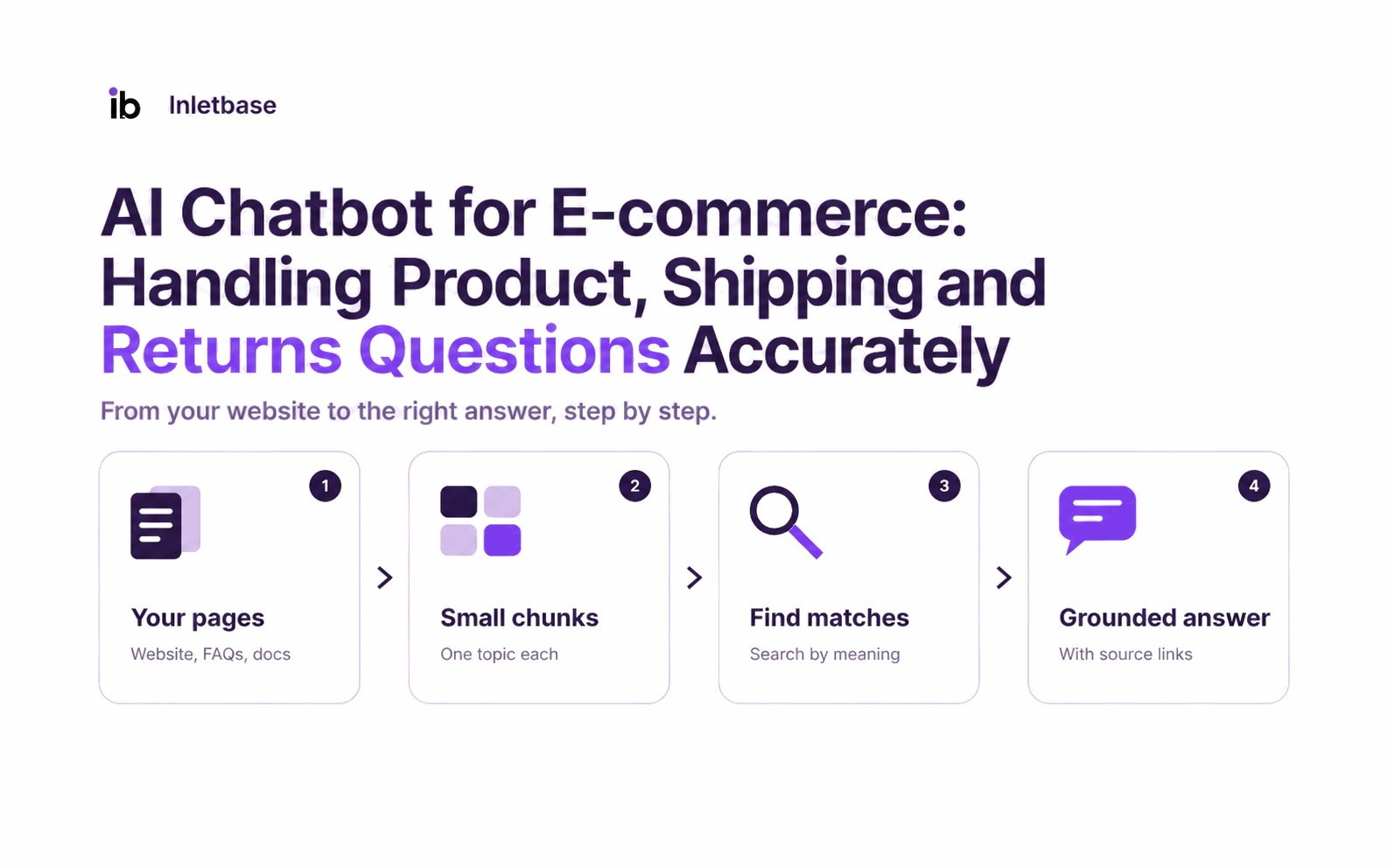
AI Chatbot for Ecommerce: What It Does, How to Choose One and How to Keep Answers Accurate
An AI chatbot for ecommerce is software that answers shoppers’ questions about products, shipping and returns in your store’s chat widget, using your own content. It handles repeat questions at any hour and passes anything that needs a decision, such as a damaged-item refund, to a person. The numbers behind this topic What the data […]
ZaidNov 12, 2026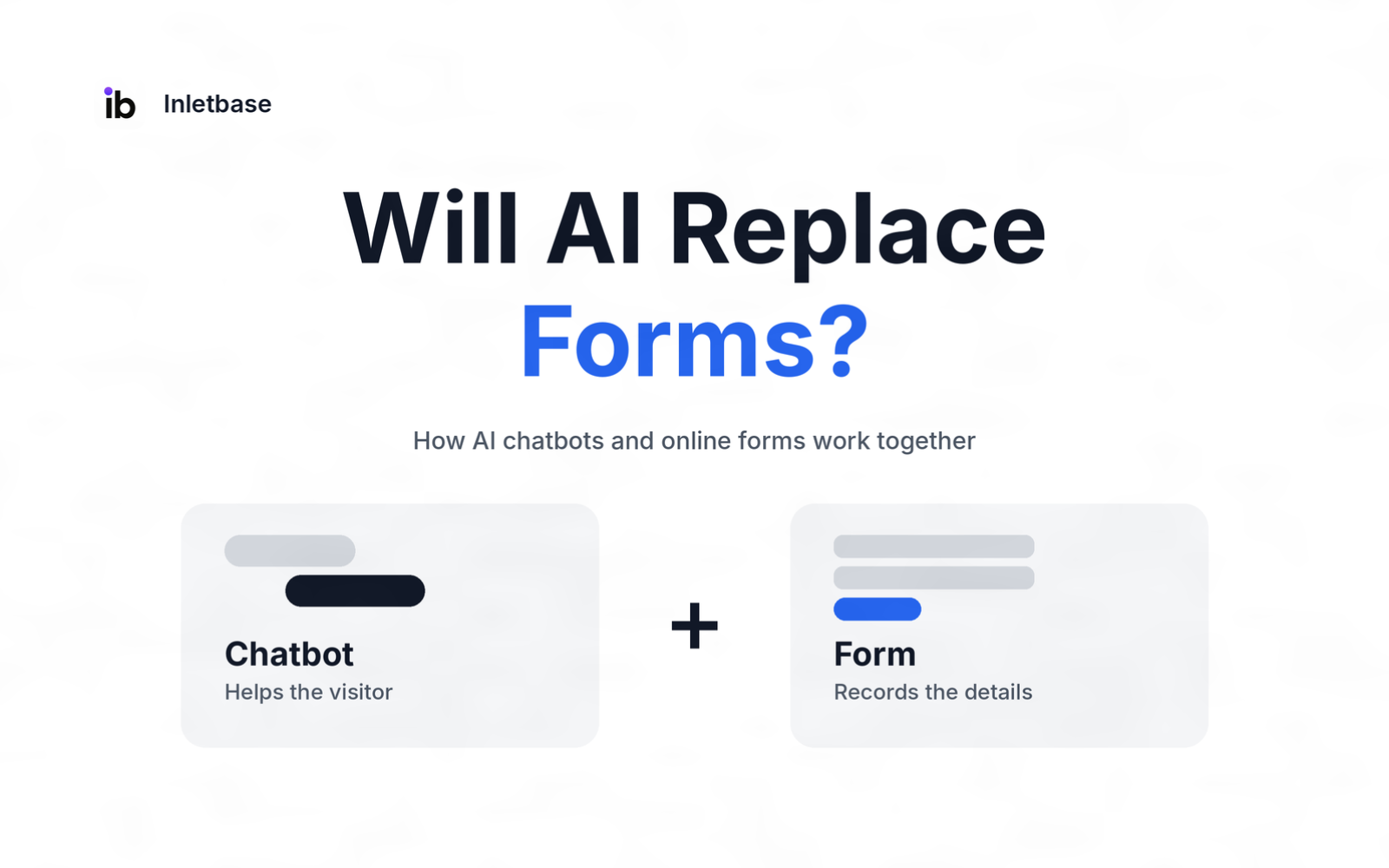
Will AI Replace Forms? How AI Chatbots and Online Forms Work Together
No. AI is unlikely to replace online forms, because the two do different jobs. An AI chatbot is best at answering questions and guiding a visitor, while a form is best at collecting exact, checkable details you can store and act on. Most websites do best using a chatbot to help people and a form […]
ZaidNov 7, 2026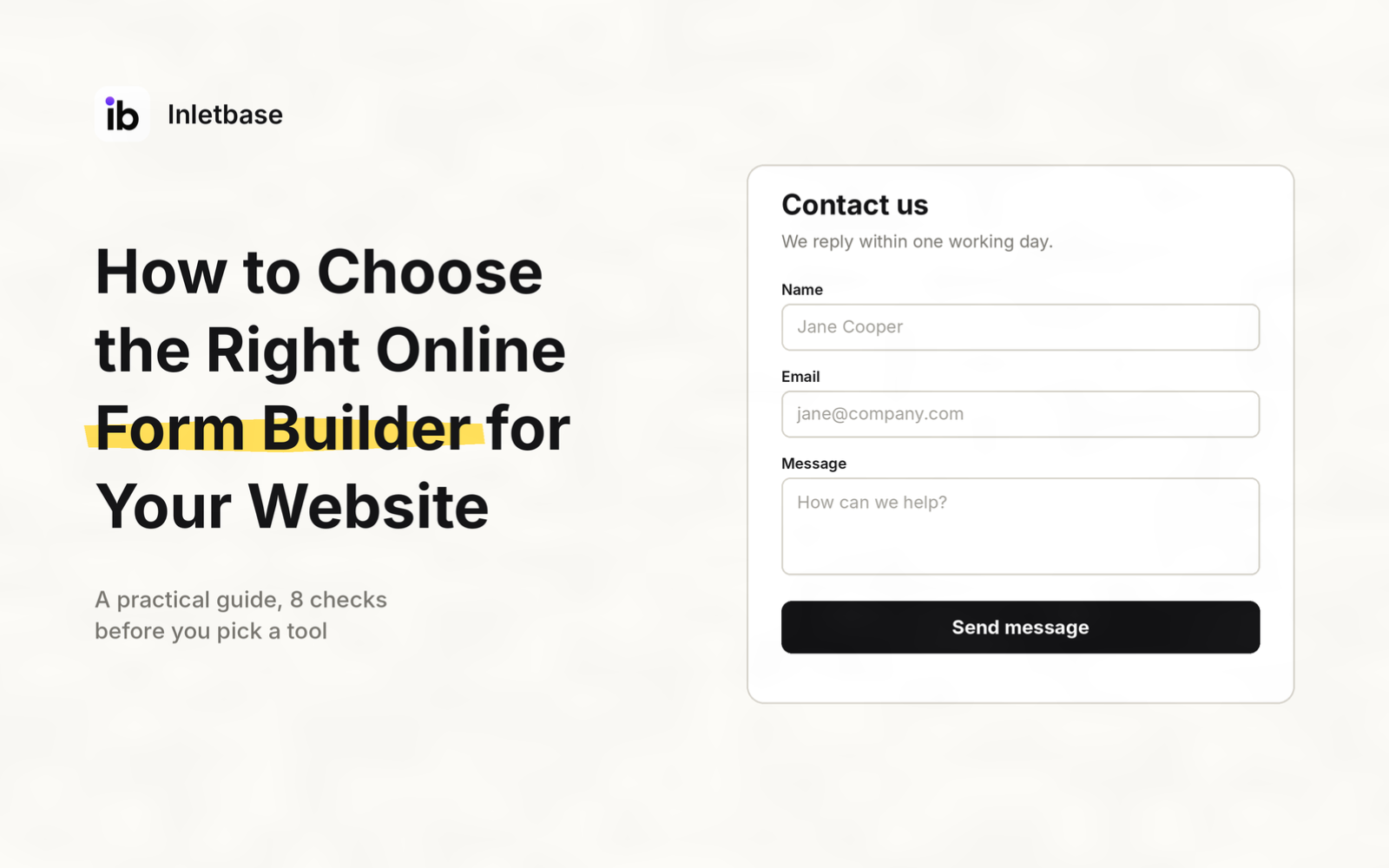
How to Choose the Right Online Form Builder for Your Website
To choose the right online form builder, decide what the form must do, how it should appear on your site, and where its submissions should go. Then check eight things: purpose, appearance, design, free-plan limits, integrations, spam and security, privacy, and price at your real volume. Test two or three tools with the same form […]
ZaidNov 2, 2026Latest articles
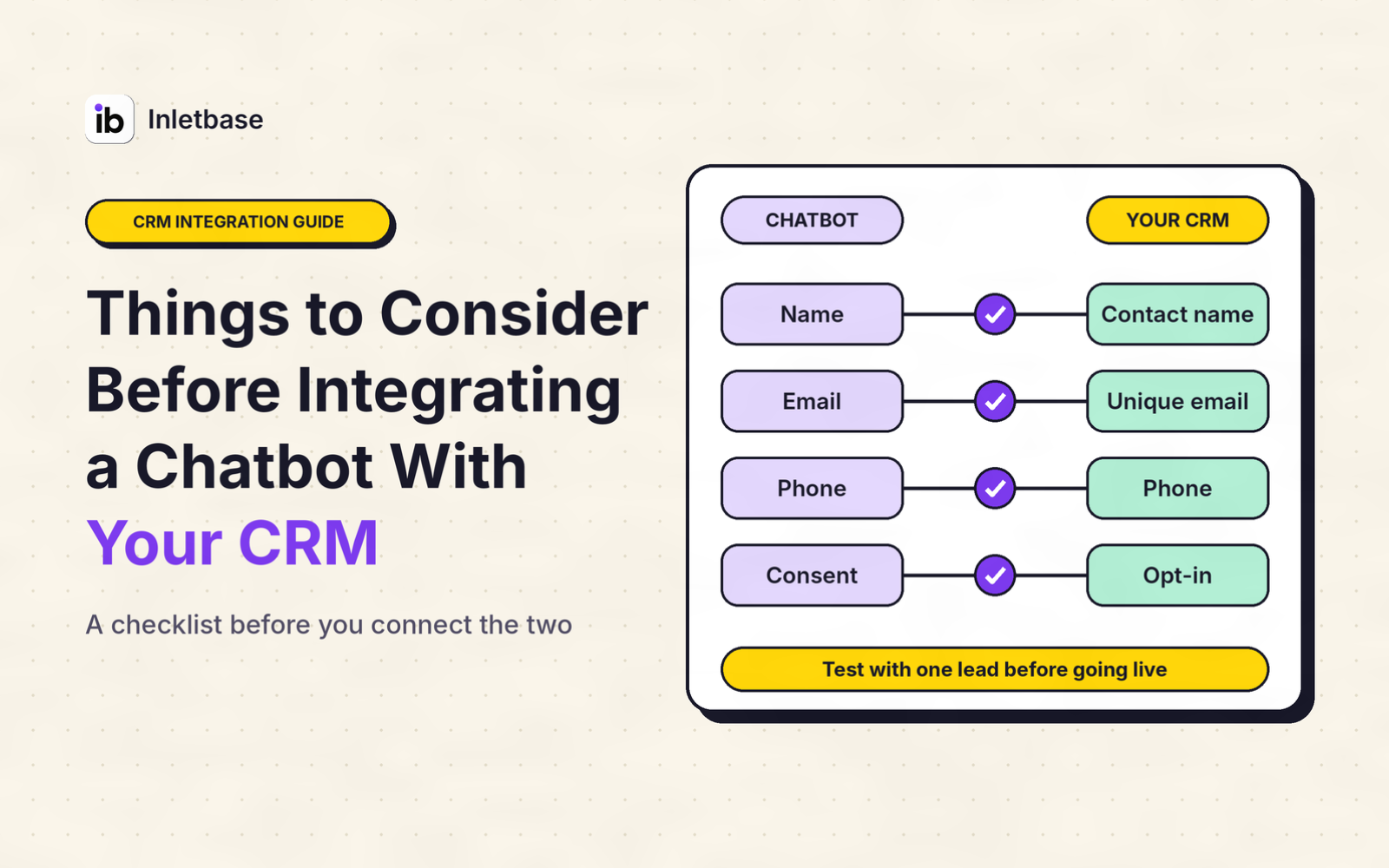
Things to Consider Before Integrating a Chatbot With Your CRM
Before you integrate a chatbot with your CRM, decide what job it must do, clean your CRM data, choose whether data flows one way or both, pick the connection route, limit what the chatbot can see and change, handle privacy and consent, set rules for leads and duplicates, design the handoff to a person, test […]
ZaidOct 29, 2026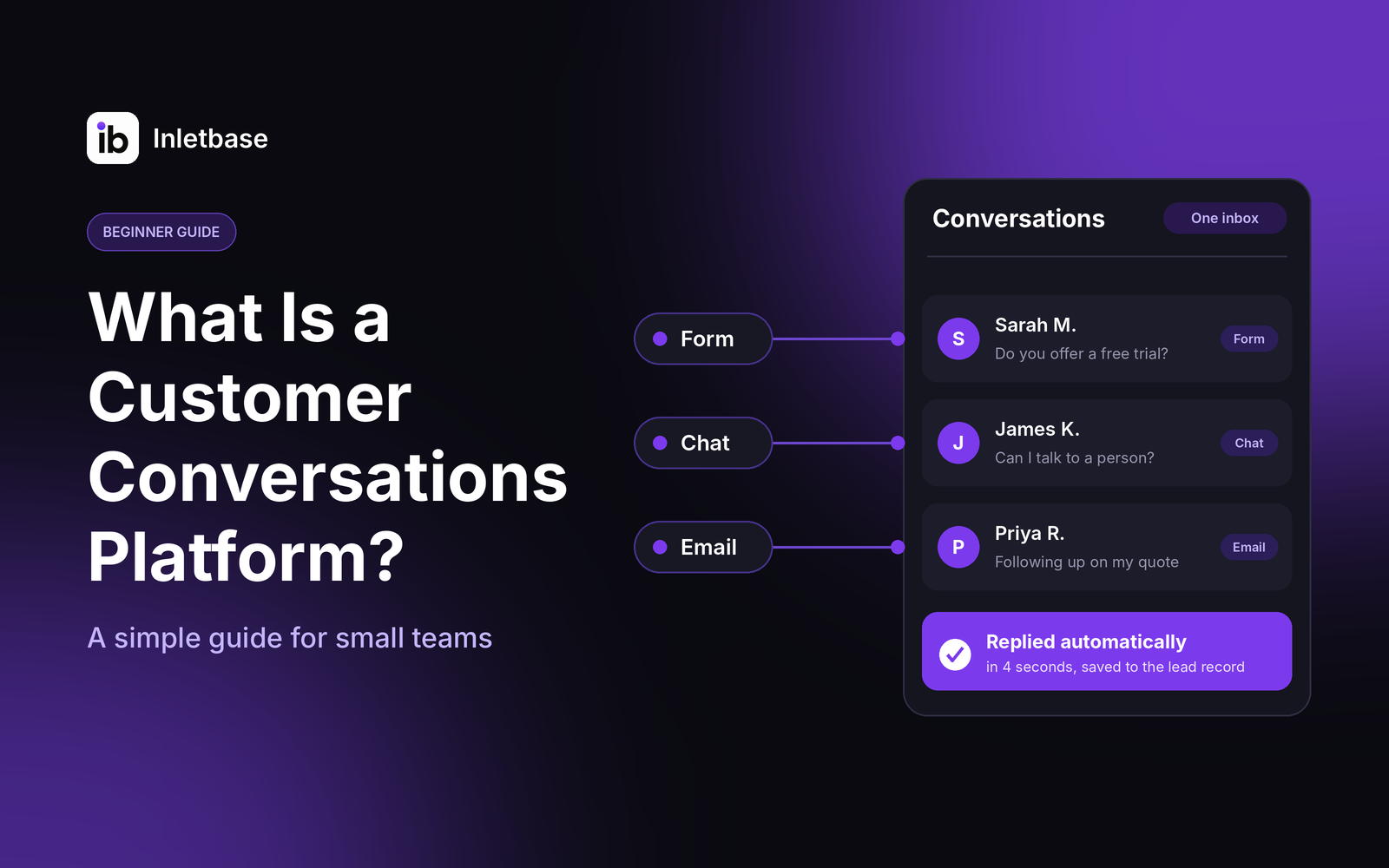
What Is a Customer Conversations Platform? A Simple Guide for Small Teams
A customer conversations platform is software that gathers every conversation with your customers, from website chat and forms to email and messages, into one place. Your team sees the full history, replies faster, and follows up without losing anything. For a small team, the right one is simple, affordable and connected to your CRM. Who […]
ZaidOct 28, 2026