Will AI Replace Forms? How AI Chatbots and Online Forms Work Together
 Zaid 8 min read
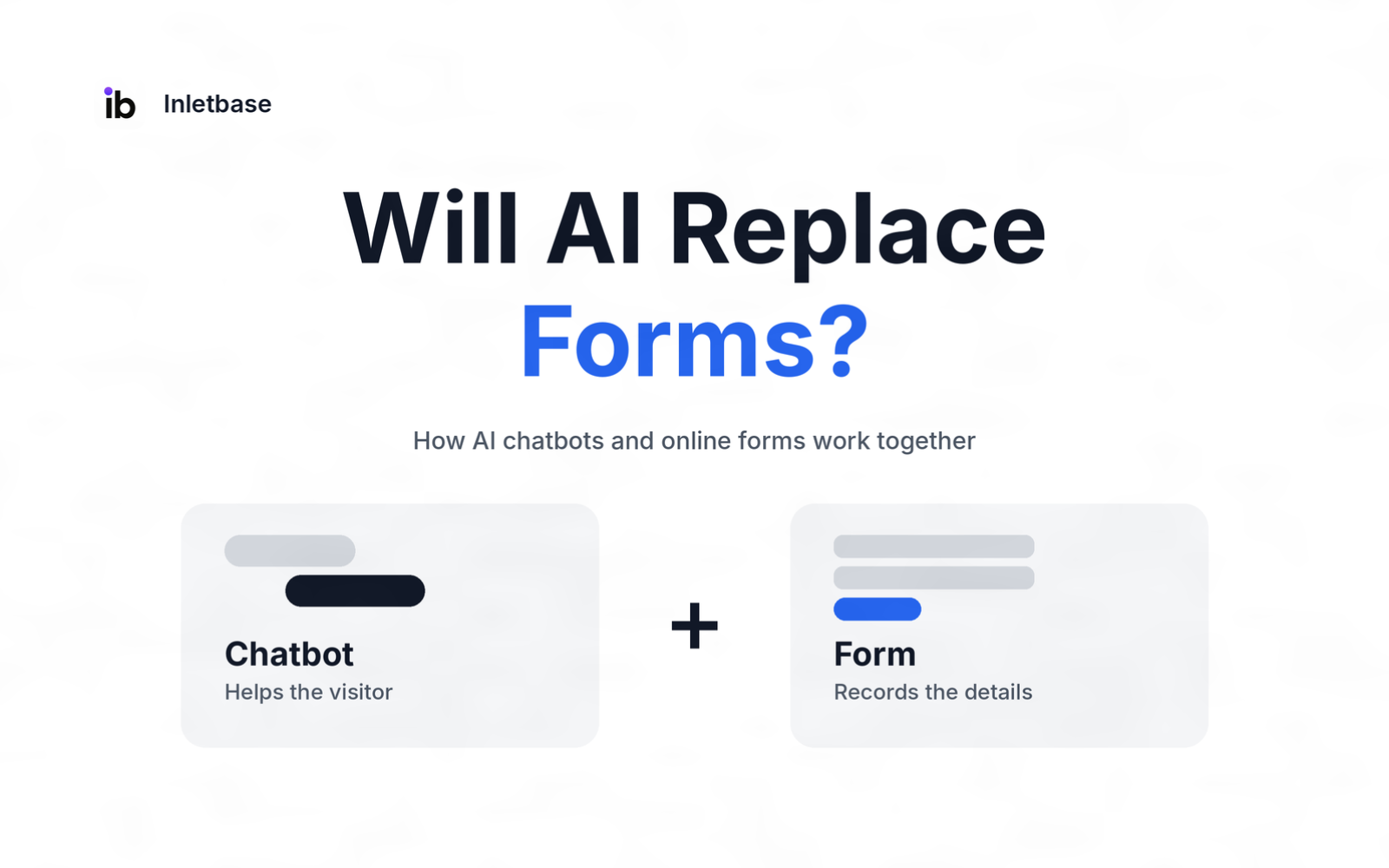
No. AI is unlikely to replace online forms, because the two do different jobs. An AI chatbot is best at answering questions and guiding a visitor, while a form is best at collecting exact, checkable details you can store and act on. Most websites do best using a chatbot to help people and a form to capture the record.
Where each one wins
| AI chatbot | Online form | |
|---|---|---|
| Best at | Answering questions, guiding hesitant visitors, handling different wording | Collecting exact, structured details |
| Feels like | A conversation | A checklist |
| Weak spot | Can be slow or wrong on simple tasks | Gives no help when a visitor is unsure |
| Output | A conversation, plus details if collected | A clean record |
Will AI replace forms?
AI will replace some forms and many form experiences, but not forms as a whole. A chatbot can take over jobs where a visitor needs help deciding or explaining, such as a long qualification survey or a vague enquiry. It is a poor fit where you need exact, auditable answers, like a payment, a legal declaration or a simple name-and-email contact.
Four reasons forms are staying:
- Structure. A form guarantees every field is asked and filled in the same way.
- Accountability. A submitted form is a clear record of what a person said and agreed to.
- Speed for simple tasks. Typing a name and email is quicker than chatting your way there.
- Familiarity. Visitors know how a form works, and standard form controls are well supported by assistive tools.
The more useful question isn’t “which wins?” but “which one should handle which moment?”
What does an AI chatbot do better than a form?
A chatbot is better wherever a visitor is unsure, curious or has a specific question. A form can’t answer anything, but a chatbot can.
- Answers questions from your own content, at any hour.
- Helps hesitant visitors who stop at a field they don’t understand, such as “Does this count?” or “Do I need a company email?”
- Understands different wording, so visitors don’t need to know your categories.
- Qualifies gently, by asking a few follow-up questions instead of presenting twelve fields at once.
- Reduces dead ends, since there is always a next message.
What do forms still do better?
Forms are better wherever accuracy, speed or a clear record matters.
- Exact data: dates, amounts, addresses, phone numbers and consent boxes.
- Predictability: you know precisely what will be collected.
- Audit trail: each submission is a clean, timestamped record.
- Simple tasks: a contact form is hard to beat for “name, email, message.”
- Special inputs: file uploads, payments and legally required wording.
- Easy to make accessible: standard fields work with keyboards and screen readers when built well.
Where do chatbots fall short?
A chatbot has real limits, and good setups plan for them.
- It can be wrong. An AI chatbot answers from the content you give it, and gaps in that content can lead to a wrong or vague reply.
- It can be slower for simple tasks, because the visitor has to read and reply instead of just filling in fields.
- It is harder to audit, since the “answer” is a conversation, not a set of fields.
- Transparency matters. Visitors should know what is being collected and why.
- It needs upkeep. The content it draws from has to stay current.
Chatbot or form: which fits each moment?
| Scenario | Best fit | Why |
|---|---|---|
| Simple contact request | Form | Fast, familiar, clean record |
| “Is this right for me?” pre-sales questions | Chatbot | Needs explaining and follow-up |
| Lead qualification before a call | Chatbot, then form | The chatbot qualifies, the form records the details |
| Quote request with exact specs | Form, with a chatbot to help | Structured data matters, and visitors may need guidance |
| Sensitive intake (legal, health, finance) | Form, with careful chatbot help | Precise wording and a clear record are essential |
| Checkout or payment | Form | Exact, secure, regulated inputs |
| Support question | Chatbot, with human handoff | Most are answerable, and some need a person |
| Feedback after a purchase | Short form or chatbot follow-up | A quick score, then an optional “why” |
| Event registration with documents | Form | Uploads and fixed fields |
How do AI chatbots and online forms work together?
There are five ways to combine them. Pick the one that matches the moment, and you can use more than one on the same site.
| Pattern | How it works | Best for | Watch for |
|---|---|---|---|
| 1. Chat first, then form | The chatbot answers questions, then offers the form when the visitor is ready | Pre-sales and enquiries | Don’t make them repeat what they already said |
| 2. Form first, chat after | The visitor submits a form, then gets an instant AI reply | Contact and quote forms | Make the reply useful, not generic |
| 3. Chat inside the form | A small helper appears when a visitor hesitates on a field | Longer or complex forms | Keep it light, not intrusive |
| 4. Chat collects, form records | The chatbot gathers details in conversation and saves them as a structured submission | Lead capture | Confirm the details with the visitor |
| 5. Chat, handoff, then form | The chatbot passes the visitor to a person, who then sends a form for documents | Complex or sensitive cases | Hand over the context |
Patterns 1 and 2 are the easiest to start with, because each tool keeps doing its own job. For a deeper look at the first, see how to turn chatbot conversations into CRM leads.
What should the handoff between chat and form look like?
Follow one rule: never ask twice. If the visitor already told the chatbot their name, email or need, the form should not ask again, and the person who replies should see what was said.
- Pass the context along, so the form or the team starts with what the chatbot learned.
- Say what happens next, in plain words, before you ask for details.
- Capture consent where your region requires it, and record it.
- Keep one record, so the same person doesn’t end up in your CRM twice.
- Always offer a person when the chatbot can’t help.
How do you set up a chatbot and form combination?
- List your forms and mark where visitors hesitate or leave.
- Pick the moments where a visitor needs help (pre-sales questions, confusing fields) and where you need exact data (contact details, documents).
- Add a chatbot trained on your own pages, files and approved answers, with a route to a person.
- Keep the form as the record for anything that needs exact fields.
- Connect both to your CRM, matching on email so you don’t create duplicates. See how to automatically add new leads to your CRM from a form.
- Run both in parallel for a few weeks and compare results before you change anything.
What should you measure?
Measure before and after, using your own numbers, not someone else’s benchmarks.
| Metric | What it tells you |
|---|---|
| Form completion rate (completed forms divided by started forms) | Whether visitors finish |
| Drop-off by field | Where the form loses people |
| First reply time | How fast visitors hear back |
| Qualified leads | Whether chat and forms bring real business |
| Handoffs picked up | Whether a person follows through |
| Wrong or vague answers found in review | How well the chatbot’s content works |
What risks and rules should you plan for?
- Privacy and consent. Tell visitors what you collect and why, and ask for consent where required. Rules vary by region, so confirm with a legal adviser.
- Accessibility. Test the chat widget with a keyboard and a screen reader, and keep a form available as an alternative.
- Spam and bots. Both forms and chat widgets attract automated traffic, so use rate limits and a hidden trap field on forms, and review conversations.
- Content upkeep. Update what the chatbot knows whenever prices, hours or policies change.
Where does Inletbase fit in?
Inletbase is a form backend and AI chatbot platform, so both halves of this guide live in one place. Your forms, whether built in your site platform, WordPress, Framer, Webflow or your own code, send submissions to Inletbase. You train an AI chatbot on your own files, website pages, text snippets and question-and-answer pairs, and add it to your site with one embed script. Human handoff is included, so a visitor whose question needs a person can be passed to your team.
Chatbot conversations and form submissions appear together in one dashboard, and you can send an automatic AI reply the moment a form is submitted. For your CRM, there is a native HubSpot sync, webhooks to any app, and workflows with conditions. The free plan includes a form and one AI chatbot, integrations are available on the Pro plan and above, and the pricing page has current limits.
Pick it if you want a chatbot and a form working together, with human handoff and your CRM connected, without stitching several tools together. To go deeper, read AI chatbot for website: what it is and how it works and what is a form backend.
A simple test: who needs the answer?
Before you replace a form with a chat, or the reverse, ask who needs the answer. If the visitor needs help understanding or deciding, use a chatbot. If your system needs a precise, storable answer, use a form. If both need something, use both: the chatbot for the visitor, the form for the record.
What mistakes should you avoid?
- Replacing a working contact form with a chatbot because it feels modern.
- Making visitors repeat themselves between chat and form.
- Launching a chatbot with thin content, which leads to vague answers.
- Skipping human handoff.
- Judging by a competitor’s numbers instead of testing both on your own site.
Conclusion
AI won’t replace forms, because chatting and recording are different jobs. Use a chatbot where visitors need help and a form where you need exact data, never make people repeat themselves, connect both to your CRM, and test on your own traffic before you change anything.
Next step: try Inletbase free to run a chatbot and a form together, or see the getting started docs.
Frequently asked questions
Will AI replace forms?
No. AI will take over some jobs, such as answering questions and guiding hesitant visitors, but forms remain the best way to collect exact, checkable details. Most websites do best using a chatbot to help people and a form to capture the record.
Is a chatbot better than a form for lead generation?
It depends on the moment. A chatbot is better when visitors have questions or need guidance before they commit. A form is better for fast, simple contact requests. Many sites use a chatbot to engage and qualify, then a form or structured capture to record the lead.
Can a chatbot replace a contact form?
It can, but it often shouldn’t. For a simple name, email and message, a form is faster and familiar. A chatbot works best alongside your contact form, answering questions first and offering the form when the visitor is ready. Test both before removing anything.
When should I use a form instead of a chatbot?
Use a form when you need exact, structured data or a clear record: payments, legal declarations, file uploads, appointment details, or a simple contact request. A form is also predictable, easy to audit, and well supported by assistive technology when built properly.
How do AI chatbots and forms work together?
A chatbot answers questions and guides visitors, then hands them to a form when exact details are needed, or collects details and saves them as a structured submission. After a form is submitted, an automatic reply can follow up. Both should feed the same CRM.
Do chatbots convert better than forms?
It varies by site, audience and form length, and claims from vendors differ widely. Don’t rely on a general number. Run the chatbot and the form in parallel for a few weeks, compare completion, qualified leads and reply time on your own traffic, then decide.
Are chatbots accessible?
They can be, but it needs checking. Chat widgets must work with a keyboard and a screen reader, and some visitors prefer a standard form. Test your widget with assistive tools, and keep a form available as an alternative so nobody is blocked.
How do I send chatbot and form leads to the same CRM?
Connect both to your CRM through a native integration or webhooks, map the same fields, and match on email so a returning person updates their record instead of creating a duplicate. Add a fixed lead source for each channel so you can compare results.
Related articles
How to Choose the Right Online Form Builder for Your Website
To choose the right online form builder, decide what the form must do, how it should appear on your site, and where its submissions should go. Then check eight things: purpose, appearance, design, free-plan limits, integrations, spam and security, privacy, and price at your real volume. Test two or three tools with the same form […]
ZaidNov 2, 2026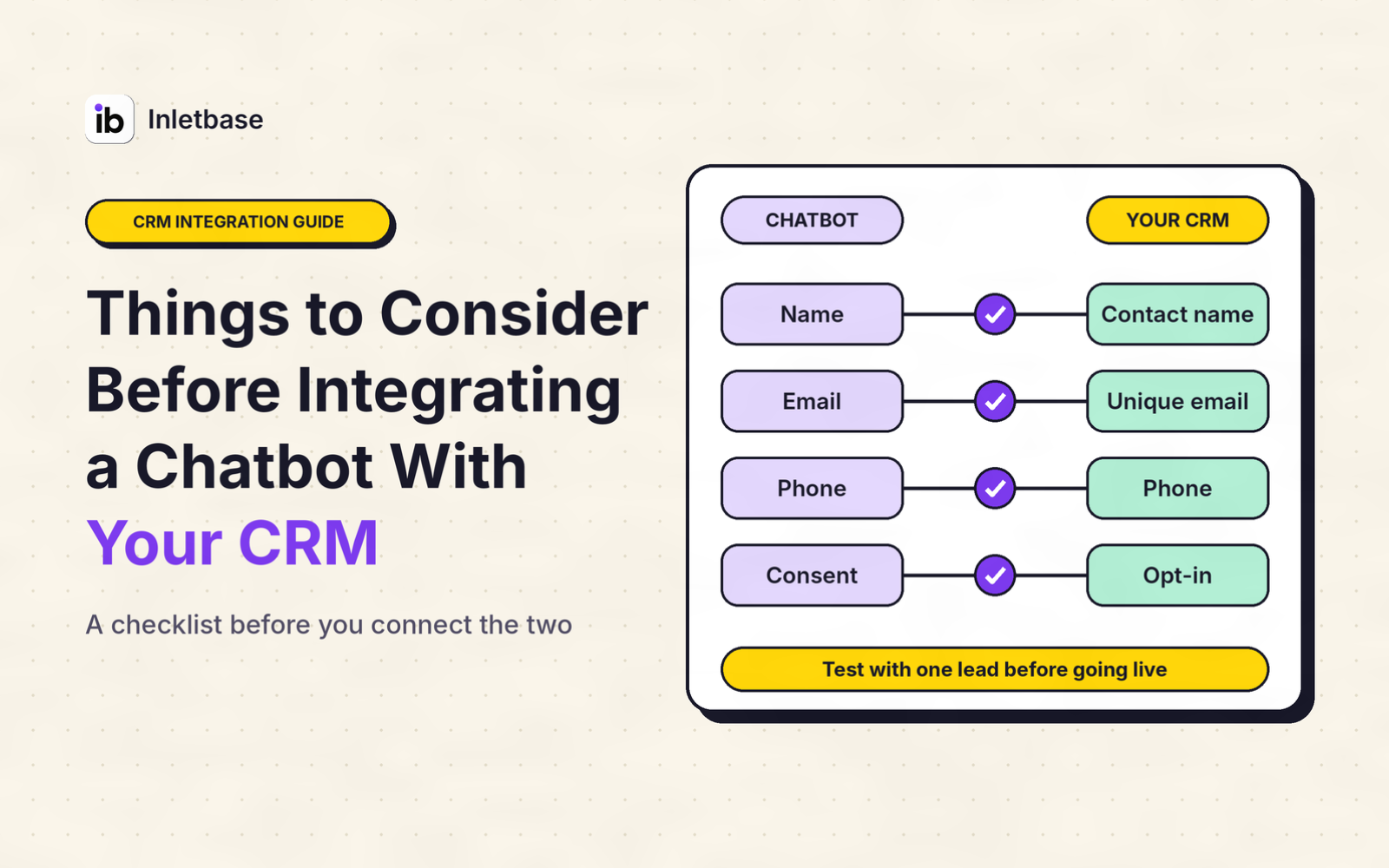
Things to Consider Before Integrating a Chatbot With Your CRM
Before you integrate a chatbot with your CRM, decide what job it must do, clean your CRM data, choose whether data flows one way or both, pick the connection route, limit what the chatbot can see and change, handle privacy and consent, set rules for leads and duplicates, design the handoff to a person, test […]
ZaidOct 29, 2026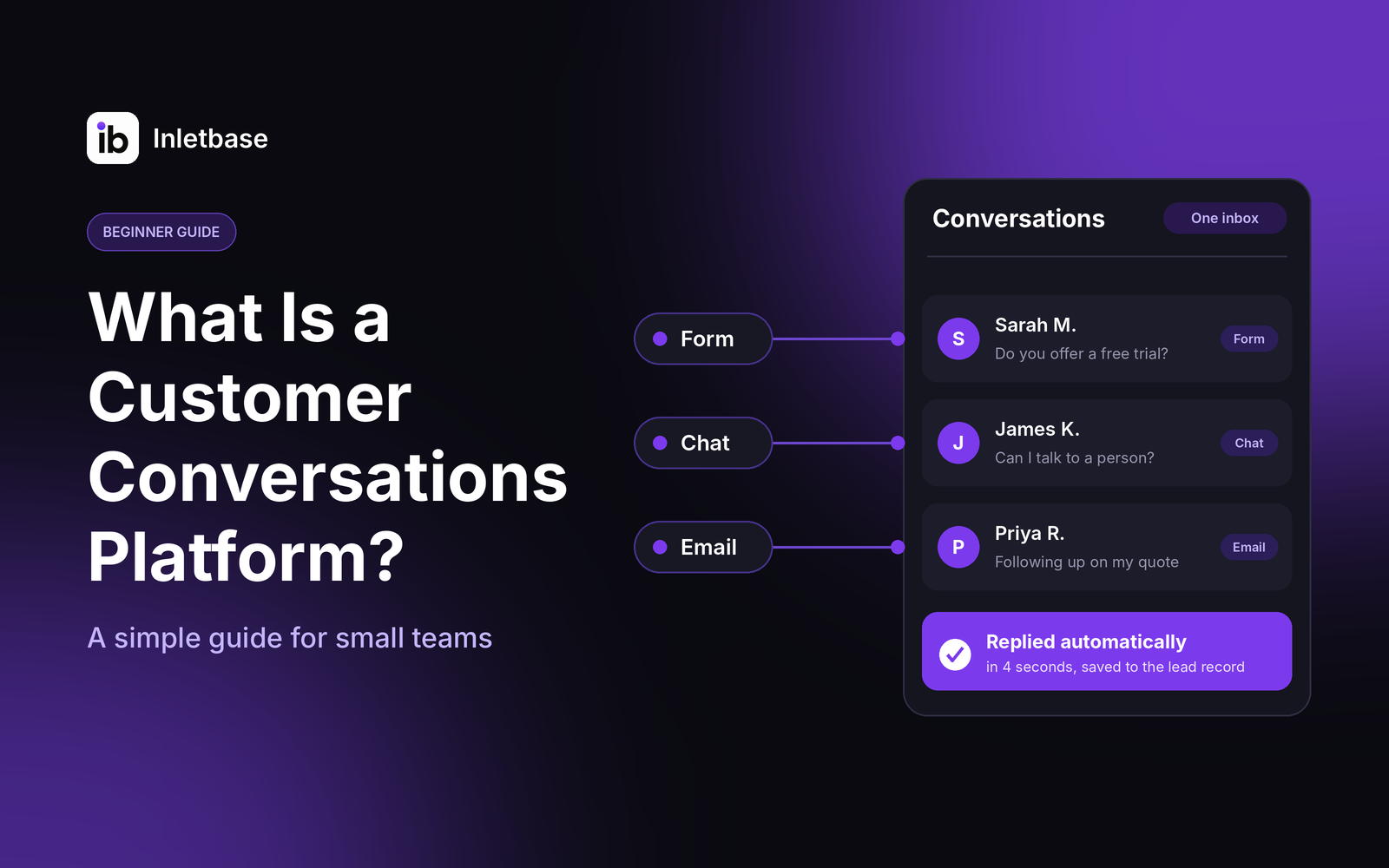
What Is a Customer Conversations Platform? A Simple Guide for Small Teams
A customer conversations platform is software that gathers every conversation with your customers, from website chat and forms to email and messages, into one place. Your team sees the full history, replies faster, and follows up without losing anything. For a small team, the right one is simple, affordable and connected to your CRM. Who […]
ZaidOct 28, 2026Latest articles
How Do I Automatically Add New Leads to My CRM When Someone Fills Out a Form?
To add new leads to your CRM automatically, connect your form to the CRM so each submission creates a contact the moment it is sent. Use your form tool’s built-in CRM integration if it has one, a webhook if it doesn’t, or a connector tool like Zapier as a last resort. Map the fields, match […]
ZaidOct 24, 2026
AI Chatbot vs Rule-Based Chatbot: Which Is Best for Your Website?
A rule-based chatbot follows a fixed script of buttons and keywords, while an AI chatbot understands questions typed in a visitor’s own words and answers from your content. For most websites, an AI chatbot trained on your own content is the better choice. A rule-based bot wins only when every question is predictable and every […]
ZaidOct 21, 2026