How an AI Chatbot Trained on Your Docs Can Handle Questions Your FAQ Cannot
 Zaid 4 min read
At Inletbase, we build AI chatbots for businesses. We see what real customers ask every day. We also see how much a normal FAQ page misses. This is written from what we see, not a guess.
You already have an FAQ page. Maybe ten questions. Maybe twenty. Shipping, returns, price, hours. It took time to write. It sits on your site and looks fine.
But here is what really happens. A visitor comes with a question that is not on your list. Maybe it is two questions mixed into one. Maybe it is something only about their own case. They look, do not find it, and leave. They never ask anyone.
Your FAQ page is not bad. It is just too small for real life. A short list can never cover every question a person might ask.
An AI chatbot trained on your own docs works in a different way. It reads through everything you have. Then it can answer almost anything.
Why a Fixed FAQ Page Is not Enough
A FAQ page can only answer the exact questions you sat down and wrote out. That is the whole limit.
Studies show a big gap here. On average, a plain FAQ page fully answers about 9 out of 100 visitors. A well-trained chatbot can answer 80 to 90 out of 100. That is a big jump. That is most of your visitors getting real help, instead of leaving with no answer.
Here is why. People do not ask questions the way FAQ pages are written. Someone might type “can I use it with my other tool” instead of your written line “Does this work with other software?” A fixed list can not stretch to match how people really talk. A trained chatbot can, because it reads and understands the question, it does not just look for matching words.
There is also the problem of old information. Every time your price or rules change, someone has to remember to edit the FAQ page. Most businesses forget to do this. A chatbot trained on your real files stays correct on its own, as long as you keep those files updated.
What Makes a Chatbot Different From a FAQ Page
The big difference is simple. A FAQ page shows a list. A chatbot talks like a person.
A visitor just types their real question, in their own words. The chatbot reads through your price page, your rules, your product pages, and any files you gave it. Then it gives a real answer, not a guess.
Say someone asks, “does the warranty still work if I bought it on sale?” A FAQ page has no answer for that at all. A trained chatbot can pull the right part from your warranty page and the right part from your sale rules, and put them together into one clear answer.
And if it truly does not know something, a good chatbot will just say so. It will not make up an answer. That matters a lot. A wrong answer is worse than no answer.
How to Set This Up With Inletbase
Inletbase lets you build this with no coding needed.
Step 1: Add your files and pages. Give it your website link, your FAQ page, your price list, or any files you already have. It reads through all of it once.
Step 2: Check what it learned. You get to look at what it picked up before it goes live. This way, nothing wrong or old gets used.
Step 3: Train it. One click, and it is ready. Now it can answer using everything you gave it, not just a short list.
Step 4: Add it to your website. If your site runs on WordPress or Framer, Inletbase has a plugin ready. You just install it and turn it on. If you use a custom site, you get a short piece of code to paste in instead.
Step 5: See what people really ask. Every chat gets saved. Over time, you will see which questions come up the most. You can add anything missing to your files.
Most people get this running in just a few minutes.
Mistakes to Avoid
- Only using your FAQ page. The whole point is going past that. Add your full price page, rules, and product pages too.
- Letting your files go old. If your price or rules change, update the file. The chatbot’s answers will update too.
- Skipping the check step. Always look at what it learned before it goes live.
- Cutting off a way to reach a real person. For anything hard or sensitive, make sure a visitor can still talk to a person.
The Bottom Line
Your FAQ page can only answer what you already wrote down. A chatbot trained on your real files can answer almost anything else too, in the visitor’s own words, at any hour, without you writing one more FAQ line.
Frequently asked questions
Is an AI chatbot better than an FAQ page?
Yes. An AI chatbot can handle questions in natural language instead of requiring visitors to find an exact question on a static page. It can also answer follow-up questions and combine information from multiple documents.
Can I train an AI chatbot on my own documents?
Yes. AI chatbots can use sources such as website pages, FAQs, product documentation, pricing information, and policy documents as their knowledge source. This allows answers to be based on your business information rather than generic responses.
What happens when an AI chatbot doesn't know the answer?
A properly configured chatbot should avoid inventing an answer when the information isn’t available. It can state that the information isn’t covered and, depending on the setup, direct the visitor to a human or another support channel.
Can an AI chatbot replace an FAQ page?
Not necessarily. An FAQ page can still be useful for visitors who prefer browsing information, while a chatbot provides a conversational way to find answers.
How do I keep an AI chatbot's answers accurate?
Keep the underlying website pages and documents up to date. When pricing, policies, products, or other important information changes, update the source content used by the chatbot
How much does an AI chatbot for a website cost?
Pricing varies considerably by provider and factors such as conversations, visitors, AI usage, and features. For Inletbase, visitors should check the current Pricing page for the latest plans and limits.
Can I add an AI chatbot to a WordPress or Framer website?
Yes. You can add an Inletbase chatbot to both WordPress and Framer without building one from scratch. On WordPress, install the Inletbase plugin and activate your chatbot. On Framer, connect the Inletbase plugin and deploy the chatbot from there.
If you are using a custom website instead, you can add the chatbot with one small script.
Related articles
10 Best Customer Support Plugins for Framer in 2026
The best customer support plugin for Framer depends on what you need. Inletbase suits sites that want forms plus an AI chatbot with human handoff, Helploom suits live chat with a help center, BubblaV suits AI support with human handoff, and Human Reply or the Telegram Chat Button suit simple, human-only replies. All 10 are […]
ZaidOct 12, 2026
How to Turn Chatbot Conversations Into CRM Leads (Without Zapier)
To turn chatbot conversations into CRM leads without Zapier, have the chatbot send the lead directly to your CRM once a visitor shares their contact details. Use a native CRM sync, a webhook to your CRM’s own endpoint, the CRM’s API, or a chat tool built into the CRM. Send only qualified chats, match on […]
ZaidOct 10, 2026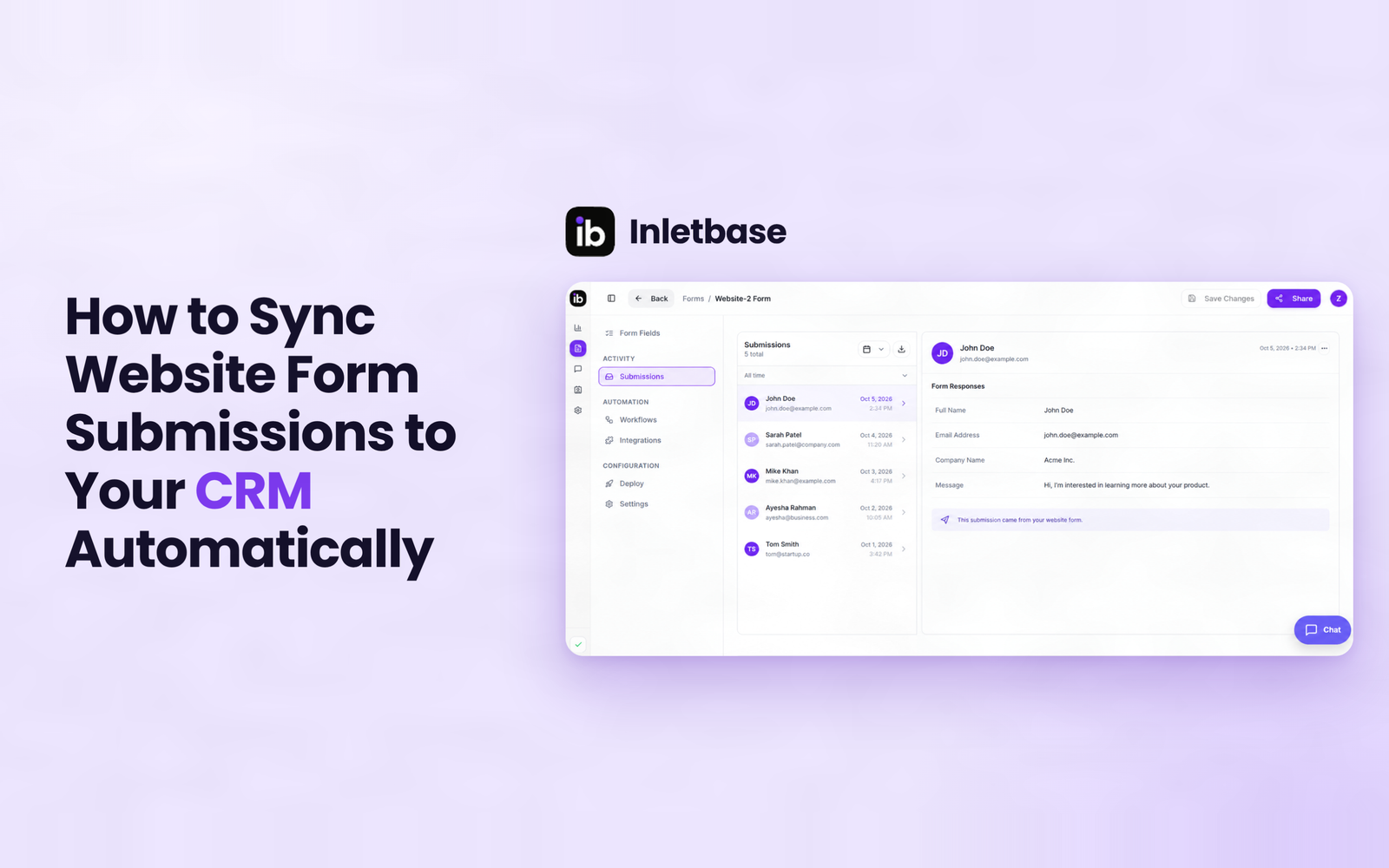
How to Sync Website Form Submissions to Your CRM Automatically
To sync website form submissions to your CRM automatically, send each submission to the CRM the moment it is submitted, using a native integration, a webhook, a connector tool or a CRM-hosted form. Map name, email, message, source and UTM fields, assign an owner on creation, match on email to avoid duplicates, and test every […]
ZaidOct 7, 2026Latest articles
What Is a Form Backend? And How It Works
A form backend is a hosted service that receives the data from your website’s form, stores it, checks it for spam, and sends it on to places like your email, your CRM, or Slack. It does the work a server would normally do, so your form works without you building or running one yourself. At […]
ZaidOct 2, 2026
AI Chatbot for Website: What It Is and How It Works
An AI chatbot for a website is a chat box placed on a site that reads a business’s own pages, prices, and documents, then answers visitor questions in real, natural language, at any hour, without a person needing to be online. In This Article What Is an AI Chatbot for a Website? An AI chatbot […]
ZaidSep 26, 2026
10 Best AI Chatbots for Websites in 2026
A chatbot on your website is not just a widget in the corner. It is the difference between a lead that gets captured and a visitor who leaves without a word. Someone lands on your site at 11 PM. They have one small question. There is no one at the desk to answer it. Do […]
ZaidSep 20, 2026