The complete form backend for your website
Build the form, point your site at one endpoint, and every submission lands in a shared inbox with notifications, AI replies, automations and CRM sync already running. No server, no database, no queue to babysit.
Your website
Full name
Budget
Message
Waiting for a submission
POST /api/v1/forms/contact/submit
Ran automatically
No queue, no cron, no middleware
1,283
across 6 websites
What is a form backend?
A form backend is the service that receives a website form submission and does something useful with it. It validates the data, stores it, notifies your team, replies to the visitor and passes the record on to your other tools.
An HTML form on its own cannot do any of that. It needs somewhere to post to. That destination is normally a server you write and maintain, with a database for the records and an email service for the notifications. A hosted form backend replaces all of it with a single endpoint.
Read the full explainerWhat you no longer have to build
- A server or serverless function to receive the POST
- A database, plus migrations and backups
- An email provider, templates and deliverability setup
- Spam filtering and rate limiting
- An admin view so your team can read submissions
- A queue or cron for anything that runs after the reply
Everything a submission needs after it arrives
Collect form submissions from all your websites in one searchable dashboard. No database to design, and nothing left unread in a shared inbox.
Connect your email provider and form submission notifications go out from your own domain, so they land in the inbox instead of a spam folder.
An AI auto-reply answers the enquiry in seconds using your own pricing and services, so you respond to leads instantly without anyone watching an inbox.
Route submissions by any field, fire a webhook, update a record. Form automation that runs on our side, with no Zapier subscription sitting in the middle.
From form to inbox, in three steps
Build the form
Add the fields you need, set each one's key and type, and mark the ones that are required. The live preview shows exactly what your visitors will submit, and the endpoint is created along with the form.
Live preview
Full name
Budget
Point your site at it
Change where your form submits and you are done. Your existing markup and styling stay exactly as they are, and a plain HTML form works with no JavaScript at all.
<form
  action="https://inletbase.com/api/v1/forms/contact/submit?apikey=YOUR_KEY"
  method="POST"
>
  <input name="full_name" placeholder="Your name" />
  <input name="email" type="email" placeholder="you@example.com" />
  <textarea name="message"></textarea>
  <button type="submit">Send</button>
</form>curl -X POST \
https://inletbase.com/api/v1/forms/contact/submit \
-H "Authorization: Bearer YOUR_API_KEY" \
-H "Content-Type: application/json" \
-d '{
"email": "user@example.com",
"full_name": "John Doe",
"message": "Hello from the API"
}'{
"success": true,
"submissionId": "abc123",
"message": "Form submitted successfully",
"status": 200
}Read the submission
It arrives in a searchable feed with every field, file and piece of metadata attached, next to a timeline of what already ran: who was notified, what the AI replied, and which record it synced to.
Timeline
Form backend integration for any stack
POST /api/v1/forms/{slug}/submit
Authorization: Bearer YOUR_API_KEY
or ?apikey= for no-code builders
Same endpoint, same payload, same response, whichever of the five you came from. Switching stacks later does not mean rebuilding your form backend.
Your submissions, handled properly
GDPR compliant
Processed under a clear Data Processing Addendum, with right-to-erasure honoured on demand.
Encrypted in transit and at rest
Stored with AES-256 at rest and carried over TLS 1.2+ in transit, on every service.
Your data stays yours
Never sold, and never used to train AI models. Export or delete any record on demand.
Two-factor authentication
Available on your account, and enforced internally on all of our administrative tooling.
Role-based access
Give each teammate only the permissions they need, with activity logs showing who handled which lead.
Trusted infrastructure
Runs on Amazon Web Services with Google Firebase for data and auth, processed in US regions.
Simple pricing that grows with you.
One account for all your websites. No per-form fees, no submission surcharges. Forms and chatbots included in every plan.
Starter
Perfect for individuals and hobby projects.
- 1 Form & 1 AI Chatbot
- 100 Submissions / mo
- 20 AI Credits / mo
- 1 Team Member
- AI Workflows & Automations
- AI Auto-Reply to Submissions
Pro
For growing teams that need automation.
- Unlimited Forms
- 1 AI Chatbot
- 2,000 Submissions / mo
- 1,000 AI Credits / mo
- 3 Team Members
- AI Workflows & Automations
Form backend questions
The things people ask before they switch.
Keep reading
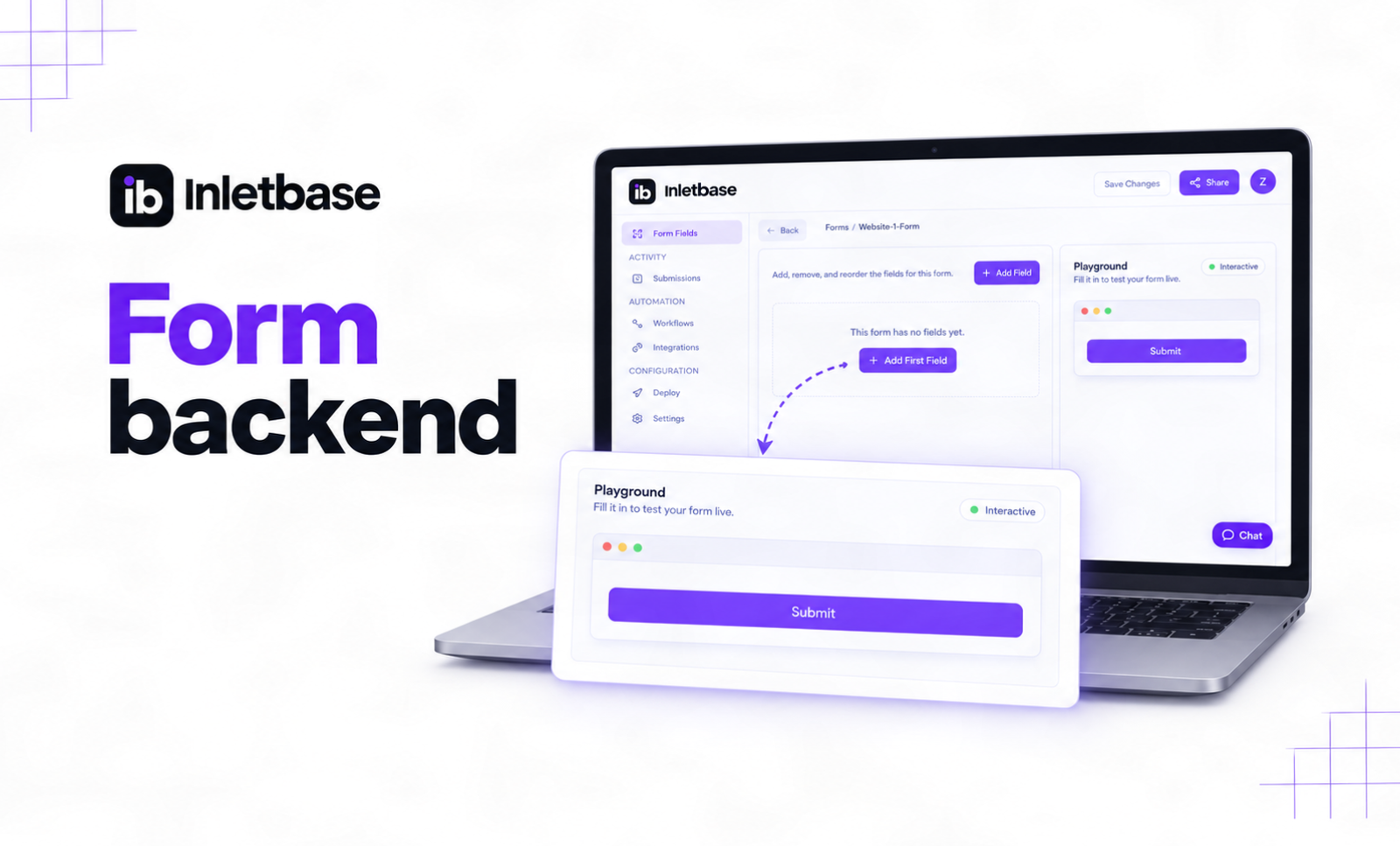
What Is a Form Backend? And How It Works
A form backend is a hosted service that receives the data from your website’s form, stores it, checks it for spam, and sends it on to places like your email, your CRM, or Slack. It does the work a server would normally do, so your form works without you building or running one yourself. At […]
 ZaidOct 2, 2026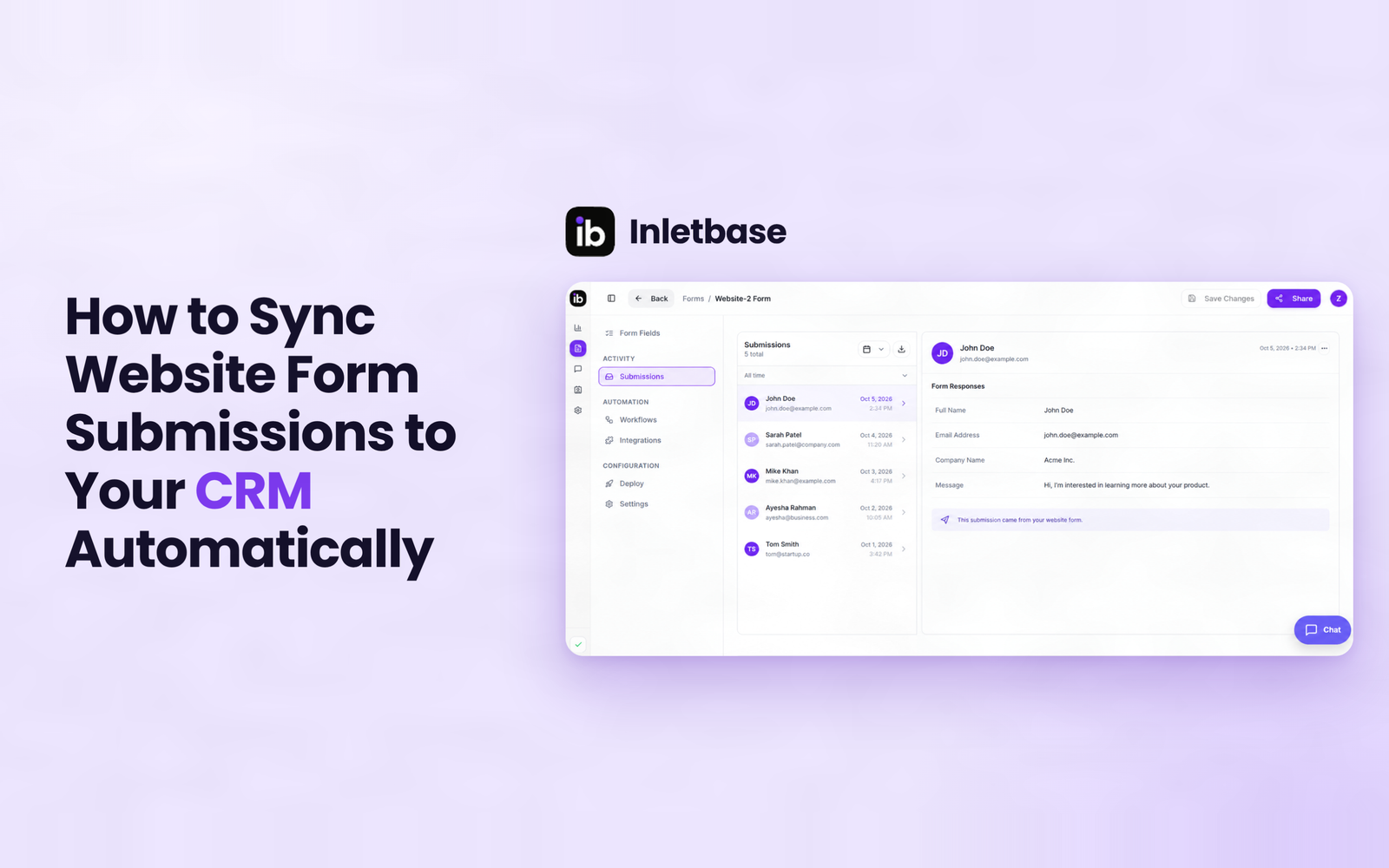
How to Sync Website Form Submissions to Your CRM Automatically
To sync website form submissions to your CRM automatically, send each submission to the CRM the moment it is submitted, using a native integration, a webhook, a connector tool or a CRM-hosted form. Map name, email, message, source and UTM fields, assign an owner on creation, match on email to avoid duplicates, and test every […]
ZaidOct 7, 2026
How to Manage Forms From Multiple Websites in One Dashboard
At Inletbase, we build the tool that businesses use to manage their website forms. We see this exact problem come up again and again, so this is written from what we actually see, not a guess. You run more than one website. Maybe it is two brands. Maybe it is a few client sites you […]
ZaidAug 19, 2026