How to Manage Forms From Multiple Websites in One Dashboard
 Zaid 4 min read
At Inletbase, we build the tool that businesses use to manage their website forms. We see this exact problem come up again and again, so this is written from what we actually see, not a guess.
You run more than one website. Maybe it is two brands. Maybe it is a few client sites you manage. Maybe it is one main site and a few landing pages for different ads.
Every one of those sites has its own contact form. And every one of those forms sends its replies to a different place. One goes to your email. One goes to a spreadsheet. One goes straight into someone else’s inbox that you don’t even check.
By the time you piece it all together, hours have already passed. Sometimes a whole day. And leads do not wait around that long.
This is one of the most common problems for anyone running more than one website. The good news is, it has a simple fix. You do not need five inboxes. You need one dashboard.
Why Spreading Leads Across Many Places Hurts You
When your forms are scattered, three things go wrong.
You miss leads. If a form sends its reply to an inbox nobody checks often, that lead just sits there. Nobody replies. The person moves on to someone else.
You lose track of what is working. If site A brings in ten leads a week and site B brings in two, you should know that. But if the leads live in different places, you never really see the full picture.
You waste time switching between tools. Checking five inboxes, one spreadsheet, and a form plugin dashboard, just to see who reached out today, is a lot of wasted time that could go into actually replying to people.
None of this is really about the forms themselves. It is about not having one place to see everything at once.
What “One Dashboard” Actually Means
The idea is simple. No matter how many websites you run, every form submission from every site lands in the same place.
You open one screen, and you see every lead from every site, in order, with the source of each one clearly marked. You do not need to remember which inbox belongs to which website. You do not need to log into five different tools.
This also means you can reply from one place too, instead of jumping between platforms just to answer a simple question.
How It Works, In Plain Words
1. Each website’s form gets connected to the same dashboard. Instead of each form sending its replies to a separate inbox, they all point to the same central place.
2. Every submission is tagged with its source. So you always know a lead came from your main site, or from a client’s site, or from a specific landing page, without any guesswork.
3. You see everything in one list. New leads show up together, newest first, no matter which site they came from.
4. You can reply, sort, or search from that same screen. No switching tools. No logging into five accounts just to find one message.
How to Set This Up With Inletbase
Inletbase is built to do exactly this.
Step 1: Add your first website. Connect the form on your main site to your Inletbase dashboard.
Step 2: Add your other websites the same way. Whether it is two sites or ten, each one connects to the same dashboard, not a separate one.
Step 3: Install the connection. If your site runs on WordPress or Framer, Inletbase has a ready-made plugin, so you just install it and turn it on. If you’re using a custom site, you get a short piece of code to paste in instead.
Step 4: Watch leads come in from every site, in one place. Every new form submission, from any connected site, shows up in the same dashboard, tagged with where it came from.
Step 5: Reply and manage everything from there. No more switching between inboxes. Reply, sort, and follow up with any lead, from any site, without leaving the dashboard.
Most people have every site connected within a few minutes.
Mistakes to Avoid
- Not tagging your sites clearly. Give each connected website a clear name, so you are never unsure where a lead came from.
- Leaving old forms still pointing elsewhere. Double check that every site’s form is actually connected, not just the main one.
- Forgetting to check in regularly. One dashboard only helps if you actually open it. Set a habit of checking it daily.
- Not sorting by site when it matters. If you manage client sites, being able to filter by website helps you report back to each client clearly.
The Bottom Line
Running more than one website should not mean juggling five inboxes just to see who reached out. One dashboard means every lead, from every site, lands in the same place, so nothing gets missed and nobody has to remember where to look.
Frequently asked questions
How can I manage forms from multiple websites?
You can connect forms from different websites to a centralized form backend. This lets you view submissions from multiple sites in one dashboard instead of checking separate inboxes and tools.
Can I manage WordPress and Framer forms in one place?
Yes. Inletbase supports websites built with WordPress, Framer, Webflow, and custom code. Its documentation confirms that submissions from different sources can be tracked from one dashboard.
How do I keep track of which website a lead came from?
Use separate forms or clear identifiers for each website so submissions can be associated with their source. This is particularly useful for agencies managing forms across multiple client websites.
Can multiple website forms send submissions to the same dashboard?
Yes. A form backend can give each website’s forms a connection to the same account while keeping submissions organized by form or source. Inletbase supports forms across WordPress, Webflow, Framer, and custom websites.
Does Inletbase have a free plan?
Yes. Inletbase currently has a Free Starter plan that includes 1 form, 100 submissions per month, 20 AI credits per month, and 1 team member. Paid plans provide more forms, submissions, AI credits, and team members.
Can I connect multiple websites to Inletbase?
Yes, but the number of forms depends on your plan. The current Starter plan includes 1 form, while Pro and Business plans include unlimited forms.
Can I use Inletbase to automatically reply to form submissions?
Yes. Inletbase can generate AI-written replies to form submissions and can also trigger workflows such as CRM updates and webhooks.
Related articles
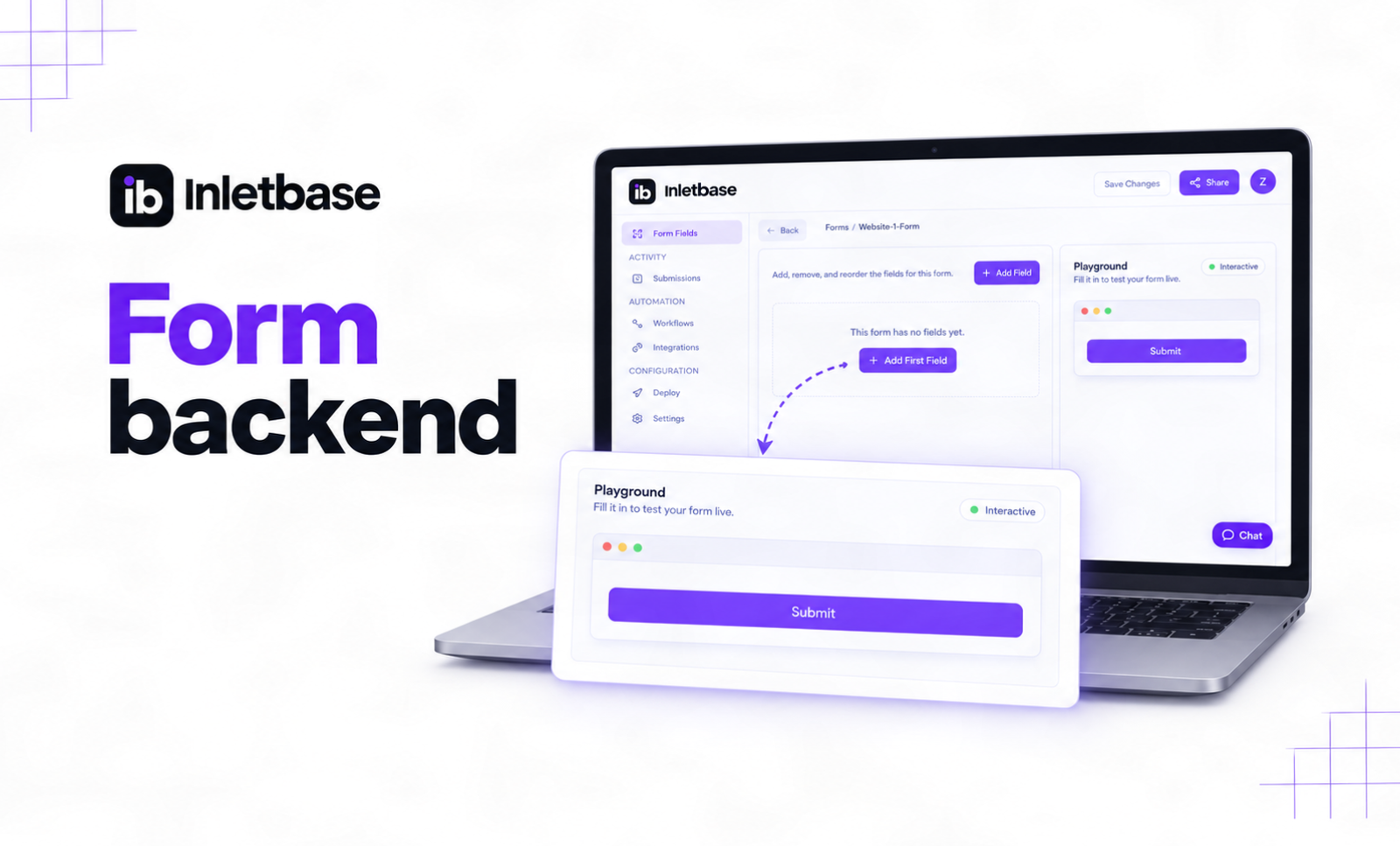
What Is a Form Backend? And How It Works
A form backend is a hosted service that receives the data from your website’s form, stores it, checks it for spam, and sends it on to places like your email, your CRM, or Slack. It does the work a server would normally do, so your form works without you building or running one yourself. At […]
ZaidOct 2, 2026
AI Chatbot for Website: What It Is and How It Works
An AI chatbot for a website is a chat box placed on a site that reads a business’s own pages, prices, and documents, then answers visitor questions in real, natural language, at any hour, without a person needing to be online. In This Article What Is an AI Chatbot for a Website? An AI chatbot […]
ZaidSep 26, 2026
10 Best AI Chatbots for Websites in 2026
A chatbot on your website is not just a widget in the corner. It is the difference between a lead that gets captured and a visitor who leaves without a word. Someone lands on your site at 11 PM. They have one small question. There is no one at the desk to answer it. Do […]
ZaidSep 20, 2026Latest articles

9 Best AI Tools for Form Submission in 2026
A form submission is not the end of the customer journey. It is where the real work begins.When someone fills out a form on your website, what happens next? Does the lead sit in an inbox? Does someone manually copy the details into a CRM? Does a sales team member decide who to contact first? […]
 Lana LucinSep 14, 2026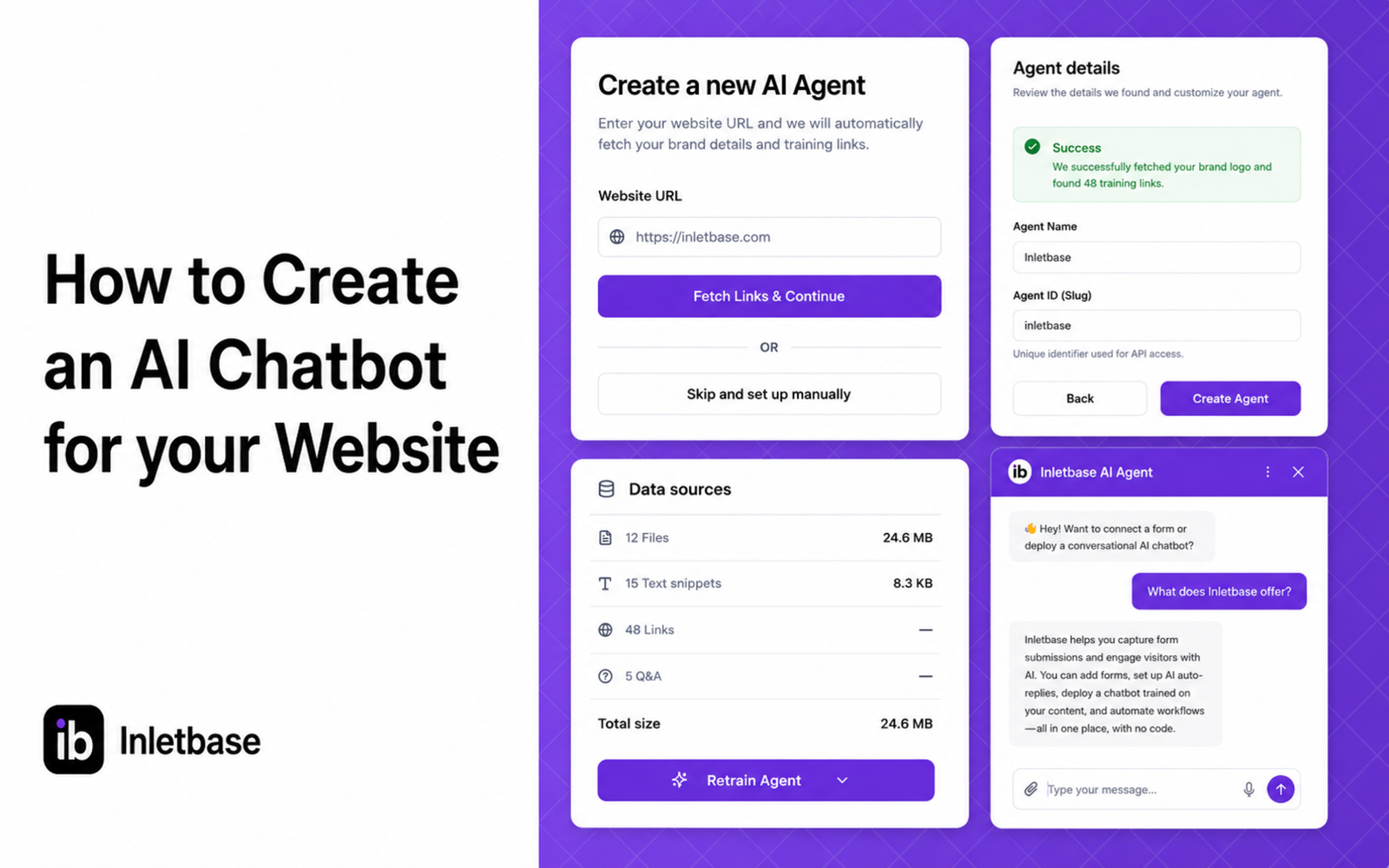
How to Create an AI Chatbot for your Website
At Inletbase, we build AI chatbots for business websites. We help people set these up every day, so this is written from what we actually see, not a guess. We keep this page updated as things change. You have seen chatbots on other websites. A little chat box in the corner that answers questions right […]
ZaidSep 2, 2026
How an AI Chatbot Trained on Your Docs Can Handle Questions Your FAQ Cannot
At Inletbase, we build AI chatbots for businesses. We see what real customers ask every day. We also see how much a normal FAQ page misses. This is written from what we see, not a guess. You already have an FAQ page. Maybe ten questions. Maybe twenty. Shipping, returns, price, hours. It took time to […]
ZaidAug 30, 2026