 Hanzala
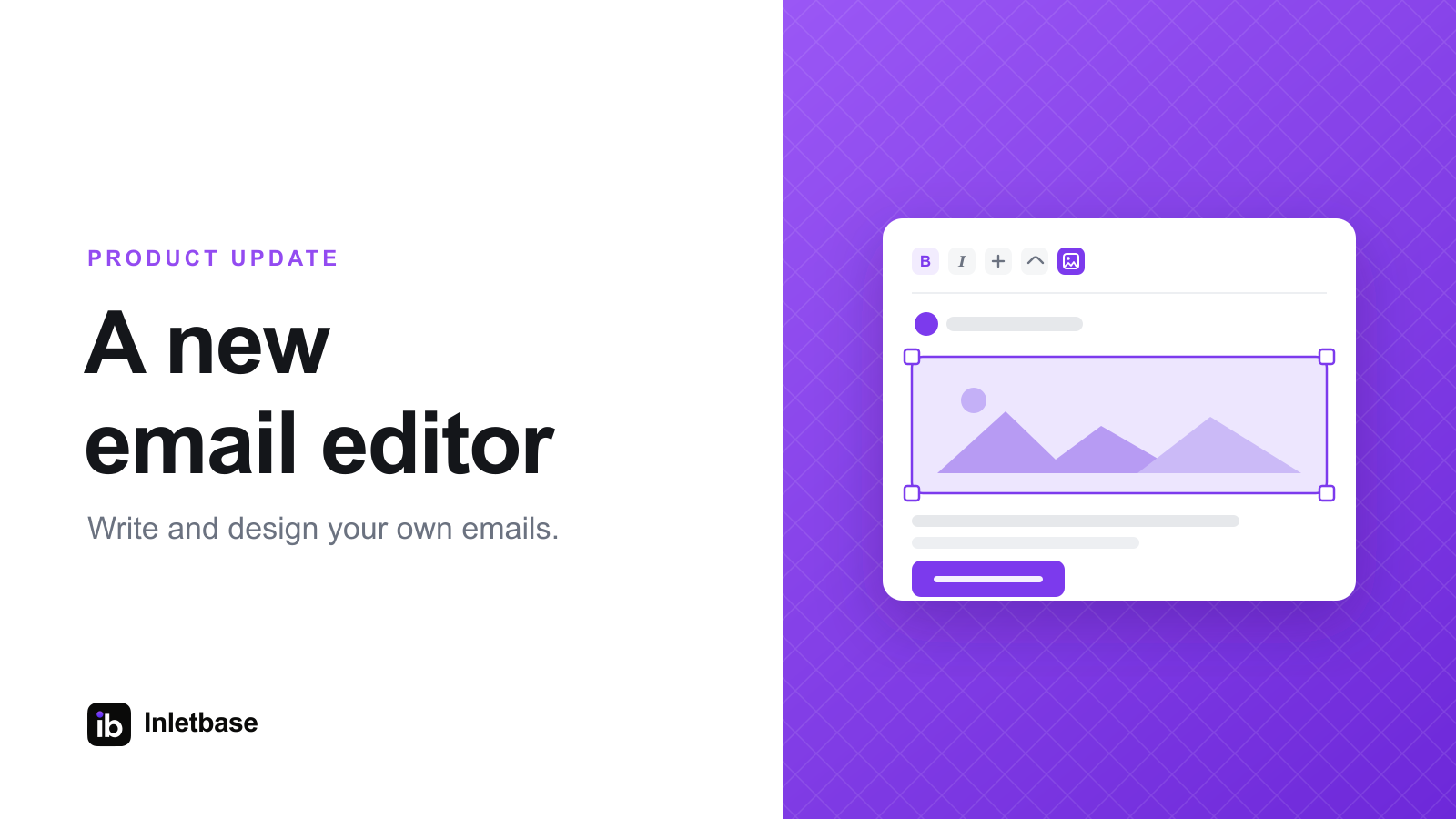
We rebuilt the way your emails look in Inletbase. You no longer pick from a fixed template. Now you write and design the email yourself, and the same editor works across your form notifications, auto-reply emails, and chatbot notifications.
Here is what you can do with it.
- Design the real email. What you write is exactly what your customer receives. Start from a clean default and make it your own.
- Add your own images. Upload your logo or any picture right inside the editor. You do not need to host it somewhere else first.
- Resize images with a drag. Grab a corner and set the size you want. The image keeps its shape while you resize it.
- Quick link and image controls. Small popups open next to what you are editing, so you never lose sight of your email.
- Edit the HTML with a live preview. Switch to the code view and watch your changes update right beside you.
- Personalise every message. Add details from the submission, and replies go straight back to the person who contacted you.
- Send a test first. Send a real test email to yourself before it goes live.
One editor for every email you send. Set it up once and it works across your forms and your chatbots.