How to Deploy a Customer Support AI Agent on Your Website
 Zaid 5 min read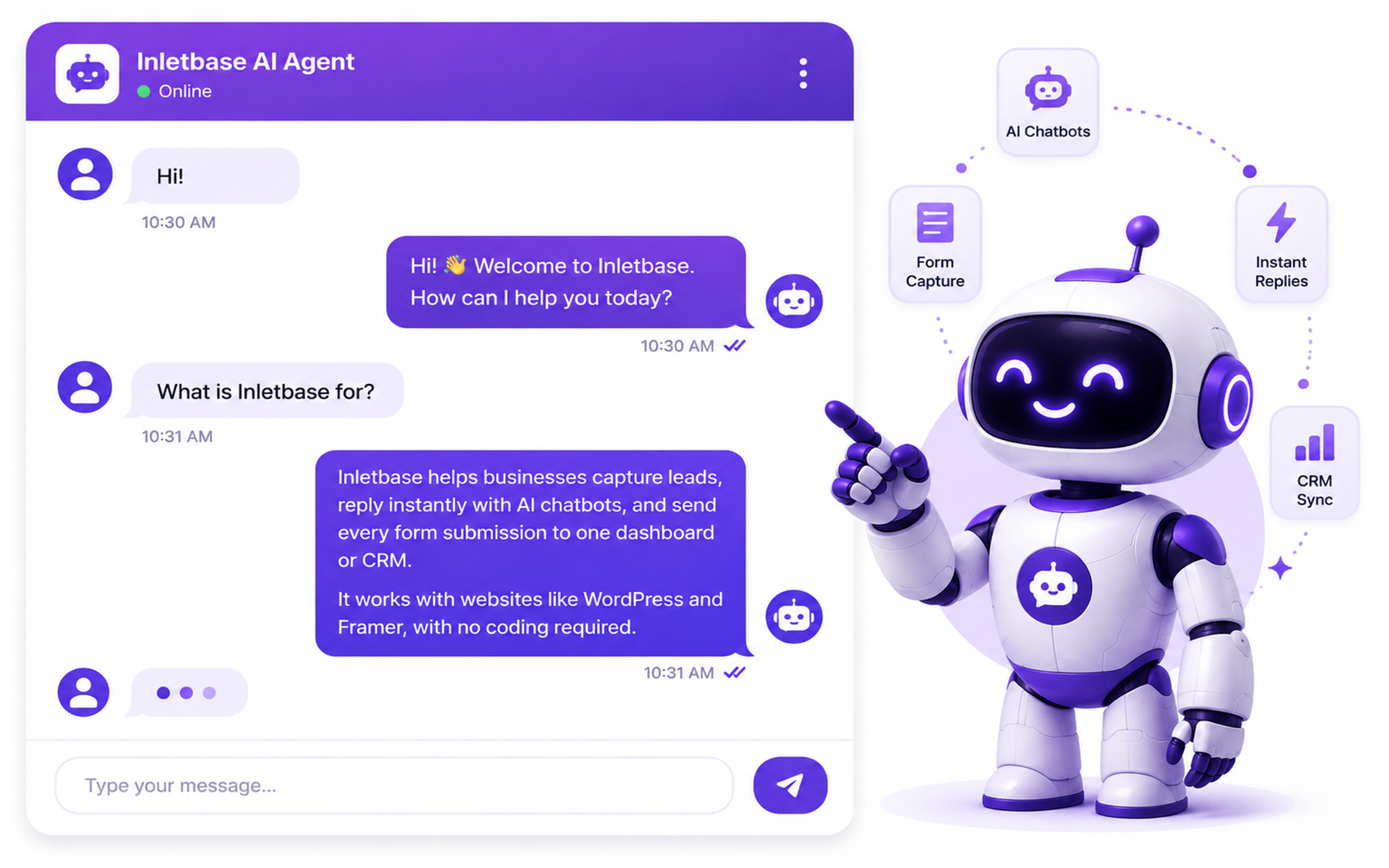
It’s Saturday afternoon. A visitor lands on your website and has a question. Maybe about your return policy, maybe about how your service works, maybe just “are you open right now?” There is no one at the desk to answer. So they leave.
That visitor might never come back.
This is happening on small business websites everywhere, all day, every day. Not because the business is bad. Just because nobody is sitting there to answer at that exact moment.
A customer support AI agent fixes this. It is a small chat box on your website that answers questions right away, using your own business information, at any hour. No new hire needed. In this article, we will show you exactly how it works and how to add one to your own site.
Why This Matters So Much Right Now
More and more customers now expect an answer the moment they ask, not the next day.
Studies show that AI agents on websites can fully answer about 45 out of 100 customer questions on their own, with no person needed at all. That means almost half of your daily questions could be handled without anyone lifting a finger.
People also want speed. About 9 out of 10 customers want an answer right away, and most say “right away” means within 10 minutes. A human team can’t always hit that. A well-set-up AI agent can, every single time.
And it’s not just about speed. It is also about cost. Businesses report spending around 70 to 90 cents for an AI to handle a question, compared to 6 dollars or more for a person to handle the same question. Over a month, that adds up to real savings, especially for a small team.
What a Customer Support AI Agent Actually Is
Some people picture an old-style bot. The kind that only understands a few set phrases and gets confused the moment you ask something slightly different.
A modern AI agent is not that.
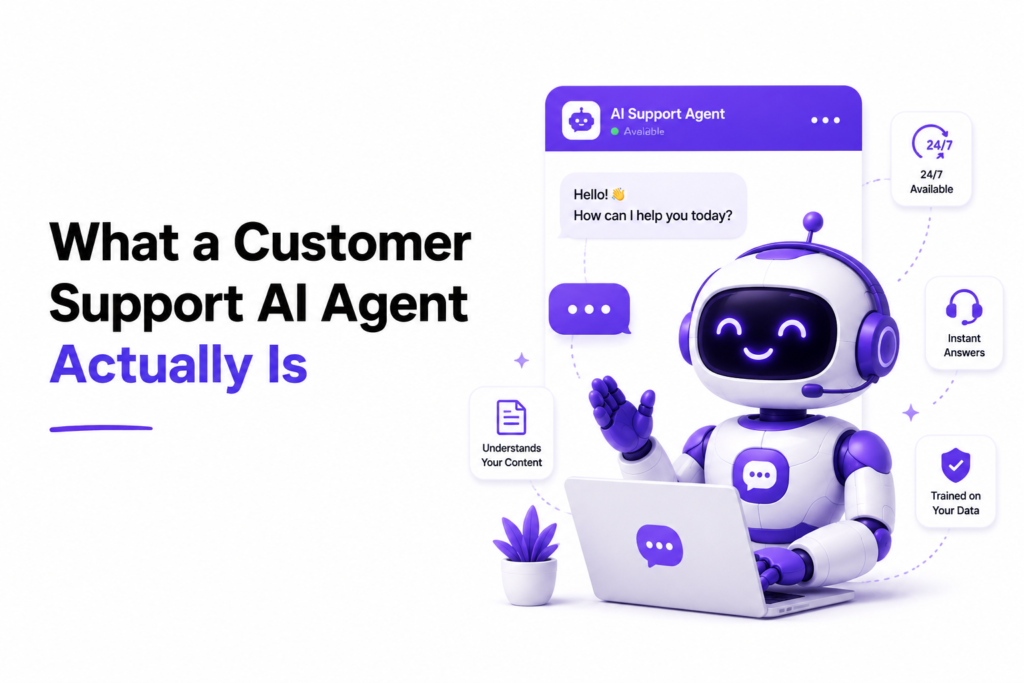
It reads your website pages, your FAQ, your pricing sheet, or any document you give it. Then it uses that information to answer real questions in normal, human language. If a customer asks “do you ship to the UK?” it looks at your actual shipping page and gives a real answer, not a guess.
It sits on your website as a small chat bubble, usually in the bottom corner. A visitor clicks it, types their question, and gets an answer in seconds.
How It Works, Step by Step
Here’s what happens behind the scenes, explained in plain words.
1. You give it your business information. This is usually your website link, or documents like a price list or FAQ page. The tool reads through these once.
2. It builds an agent trained only on that information. This agent doesn’t guess or make things up. It only answers using what you gave it. If it doesn’t know something, a good setup will say so, instead of inventing an answer.
3. You place one small piece of code on your site. This is usually just one line, added once, to your website. You don’t need to touch it again after that.
4. The chat bubble goes live. From that point on, any visitor can click it and start asking questions, day or night.
5. It answers, or hands off to a person when needed. Simple questions get handled right away. Anything tricky, like a complaint or a big order, can be set to notify a real person on your team.
That’s the whole process. No servers to manage, no coding needed.
How to Set This Up With Inletbase
Inletbase lets you do this without any code. Here is how it works in practice.
Step 1: Enter your website link. Inletbase reads through your pages on its own and pulls out the information it needs.
Step 2: Review what it found. You get a chance to check the pages and documents before the agent is trained, so nothing wrong or outdated gets used.
Step 3: Train your agent. One click, and your AI agent is ready. It’s now trained only on your real business information.
Step 4: Add the chat bubble to your site. If your site runs on WordPress or Framer, Inletbase has a ready-made plugin, so you just install it and turn it on. If you’re using a custom site, you get a short script to paste in instead. Either way, once it’s added, your agent is live and answering visitors right away.
Step 5: Watch real conversations. Every question your agent answers gets logged, so you can see what customers are actually asking and improve your pages over time.
Most businesses have this fully running within a few minutes.
Mistakes to Avoid
- Feeding it outdated information. If your pricing or hours change, update the source document too, or the agent will give old answers.
- Not reviewing early conversations. Check the first few days of chats to catch anything the agent is answering wrong.
- Skipping the human hand-off. Big or sensitive questions should always be able to reach a real person, not just get an automatic reply.
- Forgetting your customers’ time zones. If you serve people in the US, UK, and Middle East, your agent needs to work well across all of those hours, not just yours.
Once Chat Catches a Lead, Call Them Back Fast
Chat is great for questions. But when a visitor asks for a demo, a quote, or a callback, you have about 5 minutes to reach them before they go cold, according to research from Harvard Business Review. That is a job for a voice agent. Tools like Dapta sit next to your Inletbase chat agent and call new leads the moment they raise a hand, qualify them against your ICP, and book the meeting straight into your calendar. Same visitor, both channels covered, no lost hand-offs.
The Bottom Line
You don’t need a night-shift employee or a bigger support team to answer visitors around the clock. A customer support AI agent, trained on your own business information, can do that for you, at a fraction of the cost, and it’s ready to use in minutes, not months.
Frequently asked questions
What is a customer support AI agent?
A customer support AI agent is a small chat box on your website. It answers your visitors’ questions using your own business information, even when you are not online.
Can a customer support AI agent answer questions all day and night?
Yes. It can answer questions 24 hours a day, 7 days a week. Your visitors can get help even outside your business hours.
Can I add an AI agent to my current website?
Yes. You can add an AI agent to most websites, including WordPress, Framer, and many custom websites. It works with your existing website, so you do not need to build a new one.
How does an AI chatbot work?
An AI chatbot reads the information you give it, such as your website, FAQs, prices, and services. When someone asks a question, it uses that information to give an answer.
Can a chatbot learn from my website?
Yes. AI chatbots can read your website and use the information on it to answer customer questions. This means you do not have to write every answer yourself.
Can I add a chatbot to my website without coding?
Yes. Many chatbot tools are made for people who do not know how to code. You may only need a plugin to add the chatbot to your website.
Why should I choose Inletbase for customer support?
Inletbase makes it easy to add an AI customer support agent to your website. It learns from your business information, answers your visitors’ questions in seconds, and works all day and night. You can set it up in just a few simple steps without needing a developer.