9 Best AI Tools for Form Submission in 2026
 Lana Lucin 12 min read
A form submission is not the end of the customer journey. It is where the real work begins.When someone fills out a form on your website, what happens next? Does the lead sit in an inbox? Does someone manually copy the details into a CRM? Does a sales team member decide who to contact first? Or does an AI tool handle the response and routing automatically?
In 2026, businesses are moving beyond simple form builders. The best AI tools for form submission can read incoming leads, send personalized replies, qualify prospects, route submissions and keep customer data organized in a CRM.But not every tool does the same job. Some are designed mainly to build beautiful forms while others focus on automation and what happens after someone clicks Submit.
In this guide, we compare the 9 best AI tools for form submission in 2026 based on their automation features, AI capabilities, CRM integrations, pricing and ease of setup. Whether you need AI auto replies, form to CRM automation or a complete lead management system, this comparison will help you choose the right tool for your business.
Best AI tools for form submission by job
| AI Tool | Best For | Setup | Starting Paid Price | Main Tradeoff |
|---|---|---|---|---|
| Inletbase | AI replies, lead routing and CRM sync after form submission | Low | $39/month | Chatbot count is limited on lower plans |
| Jotform | Form templates and approval workflows | Low | From $34/month | Single user on plans below Enterprise |
| Typeform | Conversational forms and better form experience | Low | From $29/month | Response limits can become restrictive |
| Fillout | Database and CRM integrations | Low | From $15/month | Unlimited responses require a higher plan |
| Tally | Free unlimited form building | Very Low | $29/month Pro | No built in AI reply or lead routing |
| HubSpot Forms | Businesses already using HubSpot CRM | Low | Free | Best features depend on the HubSpot ecosystem |
| Zapier | Connecting forms with multiple apps | Medium | Around $20 to $30/month | Workflows need to be built and maintained |
| involve.me | Quizzes, calculators and lead funnels | Medium | Paid plans after free tier | More focused on funnels than simple forms |
| Orbit AI | AI lead scoring | Low to Medium | Contact Vendor | Smaller integration ecosystem |
How we chose these tools
Small teams and solo founders do not have time for a six week form migration or a bill that quietly triples with usage. So this list was built around five questions:
- What actually happens the moment someone submits the form?
- Does it reply, route or sync data on its own or does a person still do that?
- How is usage billed such as submissions, credits, seats or responses?
- Does it work with the stack you already have such as WordPress, Webflow, Framer or custom code?
- What is the real starting cost once you need more than the free tier?
The picks below are based on public product pages, documentation and pricing as of September 2026. They are not based on a single standardized lab test across all nine tools.
1. Inletbase Best AI tool for form submission overall
Inletbase is built specifically around the moment a form gets submitted rather than around form design. It is a form backend and AI chatbot platform in one dashboard. Every submission from every site including WordPress, Webflow, Framer or a custom app lands in one searchable feed. From there Inletbase can act on it automatically.
What it actually does after someone hits submit
- AI replies in seconds. Inletbase reads the incoming message and writes a relevant on brand reply using your own pricing and service rules. It then sends the reply by email automatically. No one has to open the inbox first.
- Conditional routing. A high budget inquiry can go straight to senior sales while a support question routes to your ticketing flow. Set the rule once and every future submission follows it.
- Native CRM sync on Pro. Every submission creates or updates a CRM contact directly without Zapier, per task fees or middleware.
- AI chatbots trained on your own docs. Point Inletbase at your website or upload PDFs and it builds a chatbot that answers like a trained employee. You can deploy it with one script tag.
- Team roles and activity logs on Pro. See exactly who handled which lead. This matters as soon as more than one person touches your forms.
Setup
You can build forms directly in the Inletbase dashboard or connect existing forms by pasting one API endpoint. WordPress and Framer have native integrations. Anything else can POST JSON directly from your own code. Most teams are live within a couple of minutes.
Cost
The Starter plan is free. It includes 1 form, 1 AI chatbot, 100 submissions per month, 20 AI credits per month and 1 team member. Pro is $39/month with unlimited forms, 2,000 submissions per month, 1,000 AI credits per month and 3 team members. Business is $89/month with 3 AI chatbots, 6,000 submissions per month and 5 team members. Enterprise is custom with SSO and on premise deployment.
Where Inletbase falls short
If you mainly need a prettier looking form with conditional questions and no automation behind it a dedicated form builder like Typeform or Fillout may feel more familiar to design in. Inletbase’s own form builder is functional rather than a design playground. Its strength is what happens after the click.
Best fit: Any business whose form submissions currently sit unanswered for hours, get manually copied into a spreadsheet or need to reach a CRM without a Zapier bill.
Skip it if: You only need form design and have no interest in AI replies, routing or a chatbot.
2. Jotform: Best for templates and approval workflows
Jotform has been a form builder for over 17 years and it shows in the template library. It offers thousands of ready made forms for intake, registration and payments.
Where it fits
Jotform’s approval workflows can route a submitted form through multiple people before it is considered complete. This fits HR, procurement or healthcare intake forms with a sign off chain.
Cost
The free Starter plan allows 5 forms and 100 submissions per month with Jotform branding. Paid plans run from around $34/month for Bronze when billed annually up to $99/month for Gold. Enterprise is priced on request.
Where Jotform falls short
Every plan below Enterprise is single user so a 3 person team needs 3 separate paid accounts. There is no AI written reply to a submission out of the box. Jotform tells you a form was filled in but it does not answer the person who filled it in.
Best fit: Teams that need a specific approval chain and a large template library.
Skip it if: You want the AI reply and routing to happen without buying separate automation tools.
3. Typeform: Best for conversational forms
Typeform’s one question at a time format is built to raise completion rates and its AI features can help generate and word questions.
Where it fits
If brand feel and completion rate matter more than backend automation Typeform’s format still leads on aesthetics. It works well for feedback surveys and application forms.
Cost
The free plan is limited to around 10 responses per month. Paid plans start near $29/month with annual billing and scale by response volume. Higher tiers can reach roughly $90 or more per month.
Where Typeform falls short
Response caps become a problem quickly even on paid tiers. Once a plan’s monthly cap is reached the form can stop accepting new responses until the next billing cycle. Like Jotform it has no built in AI reply or routing layer for what happens after submission.
Best fit: Teams that need a form that feels good to fill out and are willing to manage response caps.
Skip it if: Your bottleneck is what happens after the submit button rather than the click through experience.
4. Fillout: Best for native database and CRM sync
Fillout’s biggest strength is bidirectional sync with Airtable, Notion, Google Sheets and CRMs such as HubSpot. Data can flow both ways instead of just landing in one place.
Where it fits
Teams already living in Airtable or Notion as their source of truth can treat Fillout as the intake layer without extra middleware.
Cost
The free plan includes 1,000 responses per month with unlimited forms and seats. Paid plans start around $15/month for Starter and reach roughly $75 to $89/month for unlimited responses and business features.
Where Fillout falls short
Its automation is mostly about moving data between tools rather than writing a reply to the person who submitted the form or running a chatbot on your site.
Best fit: Teams whose real database lives in Airtable, Notion or Sheets.
Skip it if: You need the tool itself to respond to and qualify leads rather than just move their data.
5. Tally: Best free unlimited form builder
Tally offers unlimited forms and unlimited responses for free. There is no submission cap on the free tier which is unusual in this category.
Where it fits
Solo founders and small sites that just need a clean free form with no volume anxiety.
Cost
Free with unlimited responses. Tally Pro is $29/month for custom branding and CSS. Tally Business is $89/month for email verification and data retention controls.
Where Tally falls short
There is no AI layer. There is no auto reply, lead scoring or chatbot. Tally collects the information and everything after that is on you.
Best fit: Anyone who wants free unlimited form collection with no bells attached.
Skip it if: You want the tool to do anything with the submission besides store it.
6. HubSpot Forms: Best if you’re already on HubSpot
HubSpot’s native forms feed directly into HubSpot CRM so every submission immediately becomes a contact with full activity history. There is no separate sync step.
Where it fits
Marketing teams already paying for HubSpot Marketing Hub or using the CRM get forms as part of the platform they already have.
Cost
Forms are free with a free HubSpot CRM account. Deeper automation such as workflows and lead scoring requires paid Marketing Hub or Sales Hub tiers which can scale well beyond form pricing alone.
Where HubSpot Forms falls short
Outside the HubSpot ecosystem the forms lose most of their advantage. You would be paying for the CRM to get the form feature rather than paying specifically for the form.
Best fit: Teams already committed to HubSpot as their CRM.
Skip it if: You’re not using HubSpot and do not plan to be.
7. Zapier: Best for connecting forms across many apps
Zapier does not build forms itself in most setups. It connects an existing form or its own Interfaces and Tables to thousands of other apps. A submission can move into Slack, a spreadsheet or a CRM.
Where it fits
If your forms already live in one tool and the real gap is getting that data into several other tools without anyone copy pasting it Zapier fills that gap.
Cost
A free tier exists for light use. Paid automation plans commonly start in the roughly $20 to $30/month range and scale with the number of tasks run each month.
Where Zapier falls short
You are assembling a workflow out of parts rather than buying a finished one. Every step such as the trigger, filter and action has to be built and maintained. Complex logic can also become expensive through task usage.
Best fit: Teams that need form data routed into several unrelated apps.
Skip it if: You want a single tool that already knows how to reply to and route a submission rather than a workflow you build yourself.
8. involve.me: Best for quizzes, calculators and funnels
involve.me calls itself a funnel builder rather than a form builder and that is accurate. It combines quizzes, scored surveys and calculators with forms and personalized outcome pages.
Where it fits
High consideration or high ticket offers where a scored quiz or calculator does the qualifying before a form ever appears.
Cost
A limited free plan exists with roughly 50 submissions or 500 visits per month. Paid plans unlock more volume and the full AI funnel builder.
Where involve.me falls short
If you just need a plain contact or intake form the funnel first design is more than most teams need.
Best fit: Businesses that want a lead qualification experience rather than just a form.
Skip it if: You want a simple form with an AI backend rather than a funnel to design.
9. Orbit AI: Best for AI lead scoring on form data
Orbit AI layers AI powered lead scoring on top of form submissions. It automatically flags which leads are worth a sales call before a human looks at any of them.
Where it fits
Sales teams dealing with form leads of very different quality where triage rather than reply writing is the bottleneck.
Cost
Pricing is not standardized publicly at the time of writing. Check directly with the vendor for current plans.
Where Orbit AI falls short
It is a newer platform with a smaller integration list than established players such as Jotform or HubSpot. It is focused on scoring rather than replying, routing or running a chatbot.
Best fit: Teams whose main problem is knowing which leads to call first.
Skip it if: You need the tool to also write the reply and sync to a CRM rather than just rank the lead.
Which AI tool should you start with?
Start with what actually wastes time today rather than the feature list.
If submissions sit unanswered until someone opens an inbox or get manually retyped into a CRM start with Inletbase. That gap is exactly what it is built to close.
If the form itself is ugly, slow to fill out or missing a template start with Jotform, Typeform, Fillout or Tally.
If your forms are fine but the data needs to reach four other tools extend Zapier or your existing HubSpot setup.
If your funnel needs a quiz or calculator before the form look at involve.me.
If your only pain point is ranking which leads to call first Orbit AI is narrower but purpose built for that.
What to check before choosing an AI tool for form submission
Does it act on the submission or just store it? A form builder collects data. An AI form backend like Inletbase reads it, replies to it, routes it and can sync it to a CRM without another tool in between. Know which job you are actually paying for.
How is usage billed? Submissions, responses, credits and tasks are not the same unit. They are also not directly comparable across vendors. Estimate your real monthly volume before comparing sticker prices.
Does it work with your existing stack? WordPress plugin, Webflow embed, Framer one liner or a raw API endpoint. Check that your actual frontend is supported before you build anything.
What happens when volume spikes? Some tools simply stop accepting new submissions once a cap is reached until the next billing cycle. Know your tool’s failure mode before you need to find out.
Who reviews the AI’s replies? An AI that automatically replies to leads needs clear rules around pricing and service policies. It also needs a way for a person to see and correct anything unusual.
Frequently asked questions
What is the best AI tool for form submission?
Inletbase is the best AI tool for form submission . It replies to every submission automatically, routes leads by condition, and syncs contacts to your CRM without extra tools.
What is an AI form backend?
An AI form backend is software that sits behind your forms and acts on every submission. Instead of just storing data, it reads the message, writes a reply, and moves the lead to the right place.
What does form submission automation software actually do?
It removes the manual steps that usually happen after a form is filled in. That includes writing a reply, tagging the lead, routing it to a team, and updating your CRM.
Can AI auto reply to form submissions?
Yes. Tools like Inletbase read the submitted message and send an AI written reply within seconds, using your own pricing and service rules.
How does form to CRM automation work?
Every time someone submits a form, the tool creates or updates a matching contact in your CRM. On Inletbase Pro, this happens natively with no Zapier or middleware needed.
What is an AI chatbot for website forms?
It is a chatbot trained on your own docs or website that can answer visitor questions before, during, or after a form is filled in. Inletbase builds one from your site URL and deploys it with a single script tag.
What is the best form backend for WordPress, Webflow, or Framer?
Inletbase works with all three. It has a WordPress plugin, a Webflow embed, and a Framer one liner, plus a plain API endpoint for custom code.
How do I automate form submissions with AI?
Connect your form to a backend like Inletbase, set a reply rule and a routing rule once, and every future submission follows those rules automatically with no manual work.
Is there a free AI form tool?
Yes. Inletbase’s Starter plan is free and includes 100 submissions a month, 1 AI chatbot, and AI auto reply, with no credit card required.
Can AI route leads from a form automatically?
Yes. AI lead routing sends a submission to the right team based on rules you set, such as budget size or topic, so high value leads reach the right person right away.
Related articles
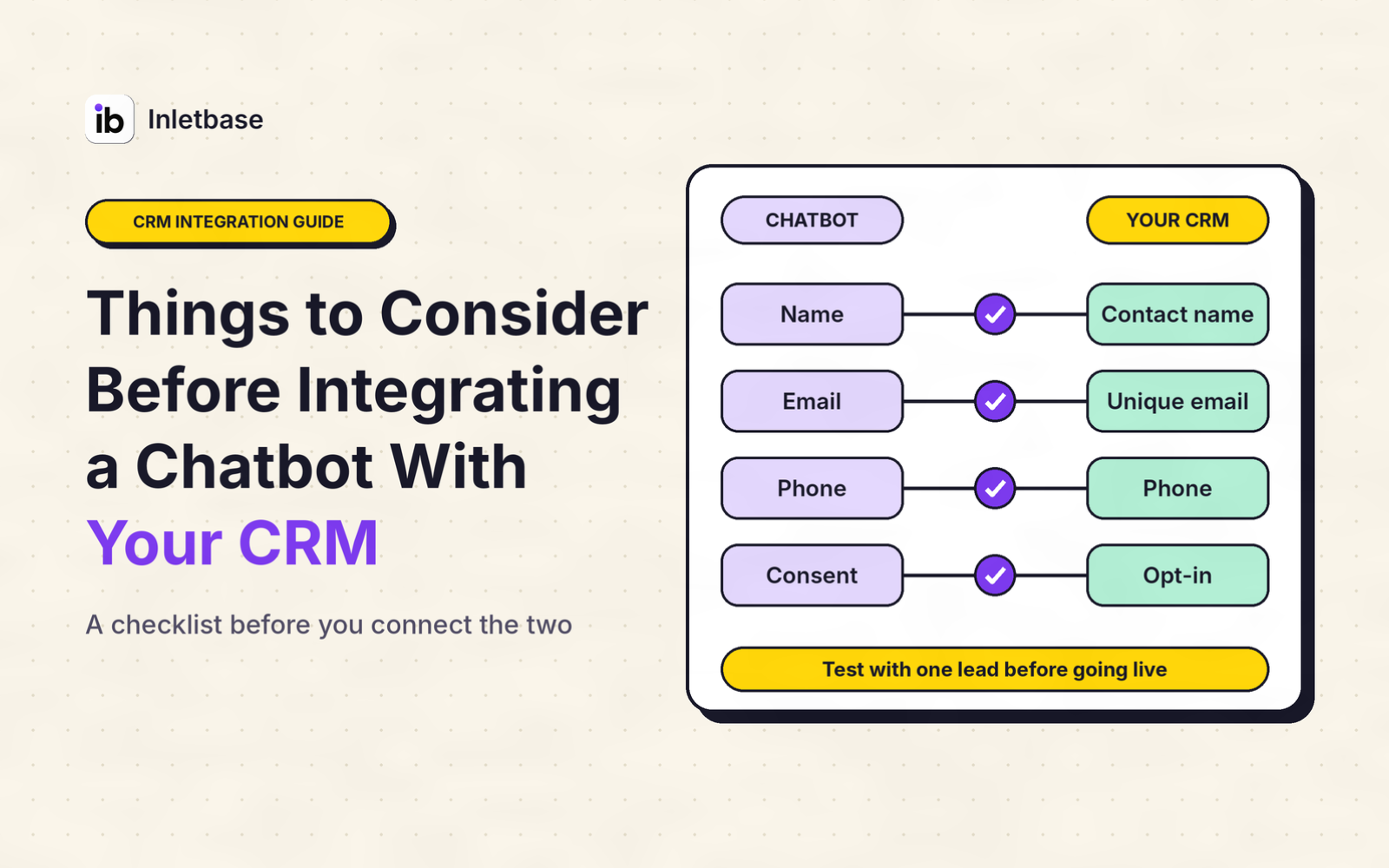
Things to Consider Before Integrating a Chatbot With Your CRM
Before you integrate a chatbot with your CRM, decide what job it must do, clean your CRM data, choose whether data flows one way or both, pick the connection route, limit what the chatbot can see and change, handle privacy and consent, set rules for leads and duplicates, design the handoff to a person, test […]
 ZaidOct 29, 2026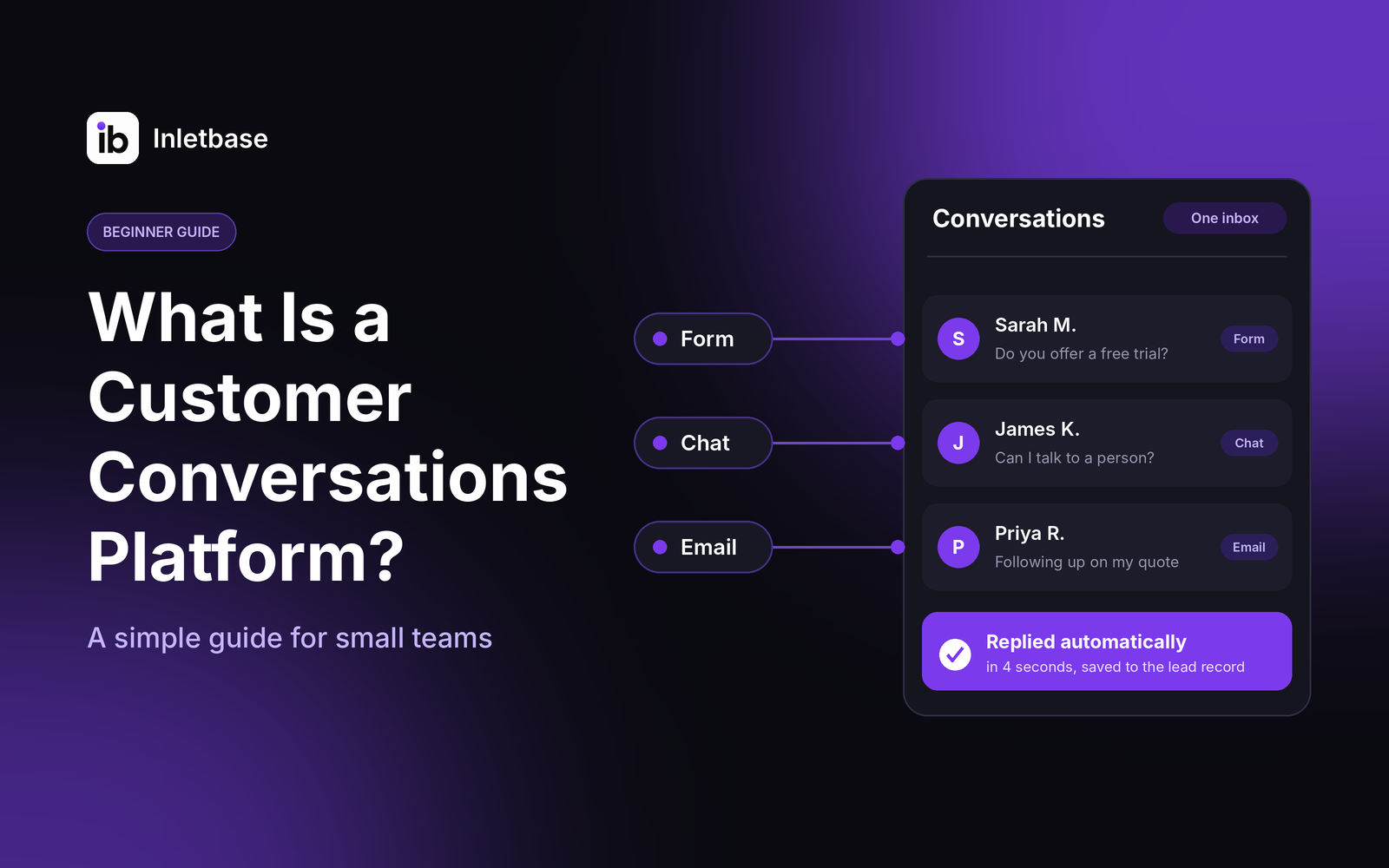
What Is a Customer Conversations Platform? A Simple Guide for Small Teams
A customer conversations platform is software that gathers every conversation with your customers, from website chat and forms to email and messages, into one place. Your team sees the full history, replies faster, and follows up without losing anything. For a small team, the right one is simple, affordable and connected to your CRM. Who […]
ZaidOct 28, 2026
How Do I Automatically Add New Leads to My CRM When Someone Fills Out a Form?
To add new leads to your CRM automatically, connect your form to the CRM so each submission creates a contact the moment it is sent. Use your form tool’s built-in CRM integration if it has one, a webhook if it doesn’t, or a connector tool like Zapier as a last resort. Map the fields, match […]
ZaidOct 24, 2026Latest articles
AI Chatbot vs Rule-Based Chatbot: Which Is Best for Your Website?
A rule-based chatbot follows a fixed script of buttons and keywords, while an AI chatbot understands questions typed in a visitor’s own words and answers from your content. For most websites, an AI chatbot trained on your own content is the better choice. A rule-based bot wins only when every question is predictable and every […]
ZaidOct 21, 2026
How to Build a Contact Form for a Next.js Website Without a Backend
You can build a Next.js contact form without writing a backend by sending the form to a hosted form endpoint. Use a Server Action to forward the data and keep your API key private, or post straight from a client component. The endpoint stores the submission and can notify you, so you need no API […]
ZaidOct 16, 2026
10 Best Customer Support Plugins for Framer in 2026
The best customer support plugin for Framer depends on what you need. Inletbase suits sites that want forms plus an AI chatbot with human handoff, Helploom suits live chat with a help center, BubblaV suits AI support with human handoff, and Human Reply or the Telegram Chat Button suit simple, human-only replies. All 10 are […]
ZaidOct 12, 2026