How to Create an AI Chatbot for your Website
 Zaid 4 min read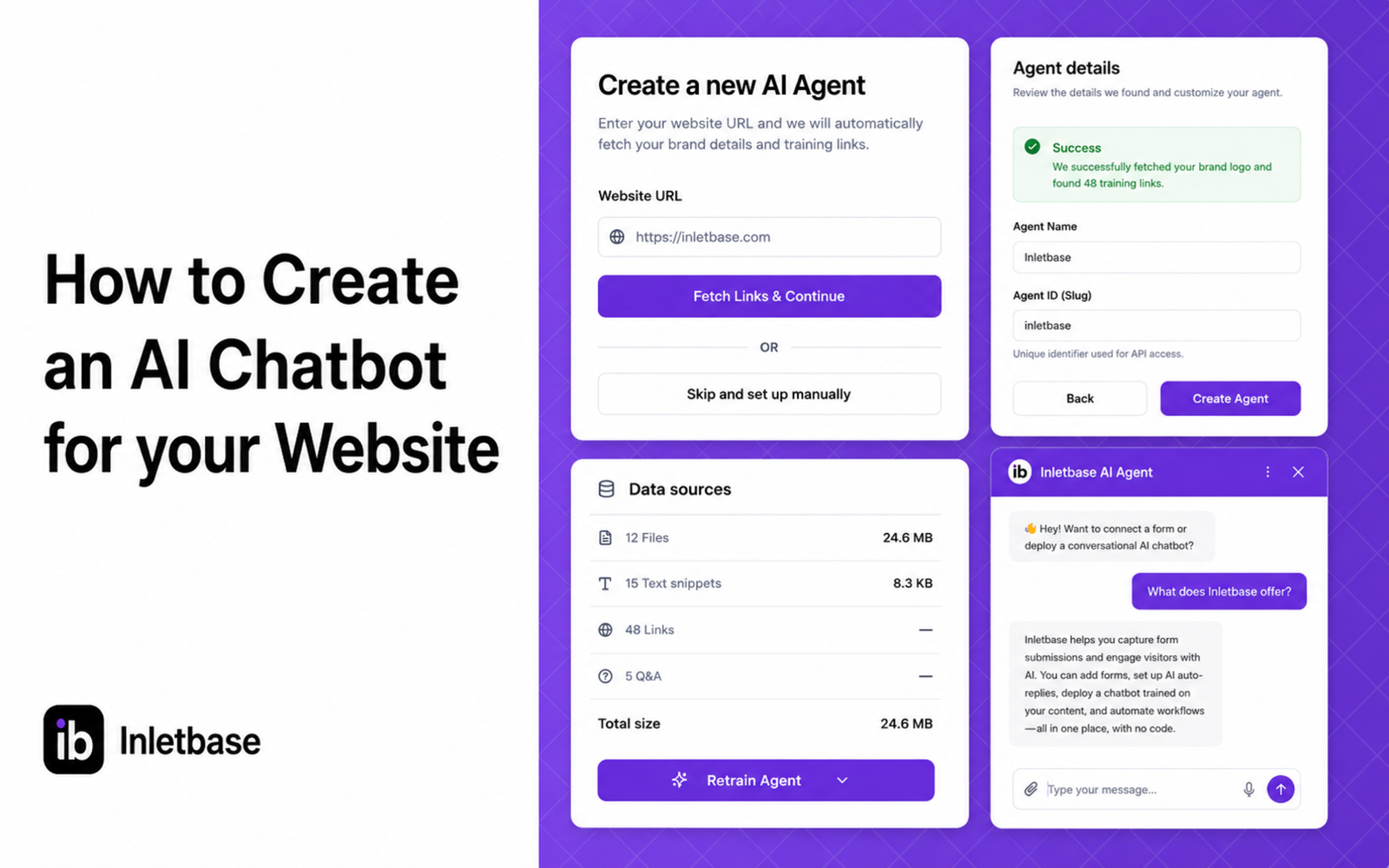
At Inletbase, we build AI chatbots for business websites. We help people set these up every day, so this is written from what we actually see, not a guess. We keep this page updated as things change.
You have seen chatbots on other websites. A little chat box in the corner that answers questions right away. You want one too, but you are not a coder, and you do not have time to learn one.
Good news. You do not need to code anything. You do not need a big team either. In this article, we will show you exactly how to build a real chatbot for your website, one that knows your business and gives real answers, not fake ones.
What a Good Website Chatbot Should Do
Before we get into the steps, let us look at what “good” actually means here. A weak chatbot just says “thanks for your message, someone will get back to you.” That is barely better than no chatbot at all.
A good chatbot should do three things:
- Know your business. Real prices, real rules, real answers. No guessing.
- Answer right away. Seconds, not hours, any time of day.
- Know when to stop. If it does not know something, or the question is too big, it should say so and hand it to a real person.
Most chatbot tools get you maybe one of these three right. Inletbase is built to get all three right, from day one, without you having to fix it later.
What You Need Before You Start
You do not need much. Just a few things ready:
- Your website link, so the chatbot can learn from your pages.
- A price list or service list, if you have one written down anywhere.
- Any extra files, like a PDF with your rules, FAQs, or policies.
That is it. No code, no design work, no tech team needed.
How to Build It, Step by Step
Step 1: Pick a chatbot tool. This is the most important step. A good tool reads your website, your price list, and any files you give it, so every answer comes from your real business. Inletbase works this way. You give it your real information, and it builds a chatbot around that, not around guesses. A weak tool skips this step entirely and just gives every visitor the same few default replies. That kind of chatbot feels fake fast, and people stop using it.
Step 2: Give it your website and files. Most tools let you just paste in your website link. It reads through your pages on its own. Add any extra files too, like a price sheet or FAQ page.
Step 3: Check what it learned. Before it goes live, look over what it picked up. Fix anything wrong or missing. Do not skip this. A chatbot only knows what you gave it.
Step 4: Train the chatbot. Once you are happy with what it learned, train it. This is usually just one click. After this, it is ready to answer real questions.
Step 5: Add it to your website. This is the last step. You add a small piece of code, or a plugin, to your site, and the chat bubble goes live.
Step 6: Watch real chats and improve it. Once it is live, check what people are asking. If you see gaps, add more info to fix them.
How to Do This With Inletbase
Inletbase does all of the above for you, with no coding needed.
Step 1: Add your website link. Inletbase reads through your pages on its own and pulls out what it needs.
Step 2: Add any extra files. Upload a price list, FAQ page, or any rules you want it to know.
Step 3: Check what it learned. You get to review everything before it goes live, so nothing wrong gets used.
Step 4: Train your chatbot. One click, and it is ready.
Step 5: Add it to your site. If your site runs on WordPress or Framer, Inletbase has a plugin ready. Just install it and turn it on. If you use a custom site, you get a short piece of code to paste in instead.
Step 6: See real chats and improve over time. Every chat gets saved, so you can see what people ask and add anything missing.
Most people have a working chatbot live on their site in under 15 minutes.
Mistakes to Avoid
- Skipping the check step. Always look over what it learned before going live.
- Giving it too little info. The more real business info you give it, the better its answers will be.
- Letting your files go old. If your prices or rules change, update the files, and the chatbot’s answers update too.
- Removing the human option. Always leave a way for visitors to reach a real person for anything big or sensitive.
The Bottom Line
Building a chatbot for your website does not need code or a tech team. It needs your real business info, a few minutes, and the right tool. Once it is live, it answers your visitors any time of day, so you are not the only one carrying that load.
Frequently asked questions
Can I create an AI chatbot for my website without coding?
Yes. You can use a no-code chatbot builder instead of building the chatbot yourself. Add your website content and files, check what it learned, and then add the chatbot to your site.
What information do I need to create an AI chatbot?
Start with your website, service or product information, pricing, FAQs, and important policies. You can also give the chatbot documents or files that contain information visitors commonly ask about.
Can I train an AI chatbot on my own website?
Yes. An AI chatbot can use your website pages as its knowledge source. You can also add extra documents when your website does not contain everything the chatbot needs to know.
How long does it take to add an AI chatbot to a website?
The setup depends on the tool and your website, but a no-code chatbot can be set up fairly quickly. With Inletbase, the article’s setup process covers adding your content, reviewing it, training the chatbot, and deploying it.
Can I add an AI chatbot to WordPress or Framer?
Yes. Inletbase provides plugins for both WordPress and Framer, so you do not have to manually build the chatbot integration. Custom websites can use a code-based installation instead.
How do I keep my AI chatbot from giving wrong answers?
Give it accurate, up-to-date business information and review what it learned before publishing it. When your prices, services, or policies change, update the information the chatbot uses.
Related articles
AI Chatbot vs Rule-Based Chatbot: Which Is Best for Your Website?
A rule-based chatbot follows a fixed script of buttons and keywords, while an AI chatbot understands questions typed in a visitor’s own words and answers from your content. For most websites, an AI chatbot trained on your own content is the better choice. A rule-based bot wins only when every question is predictable and every […]
ZaidOct 21, 2026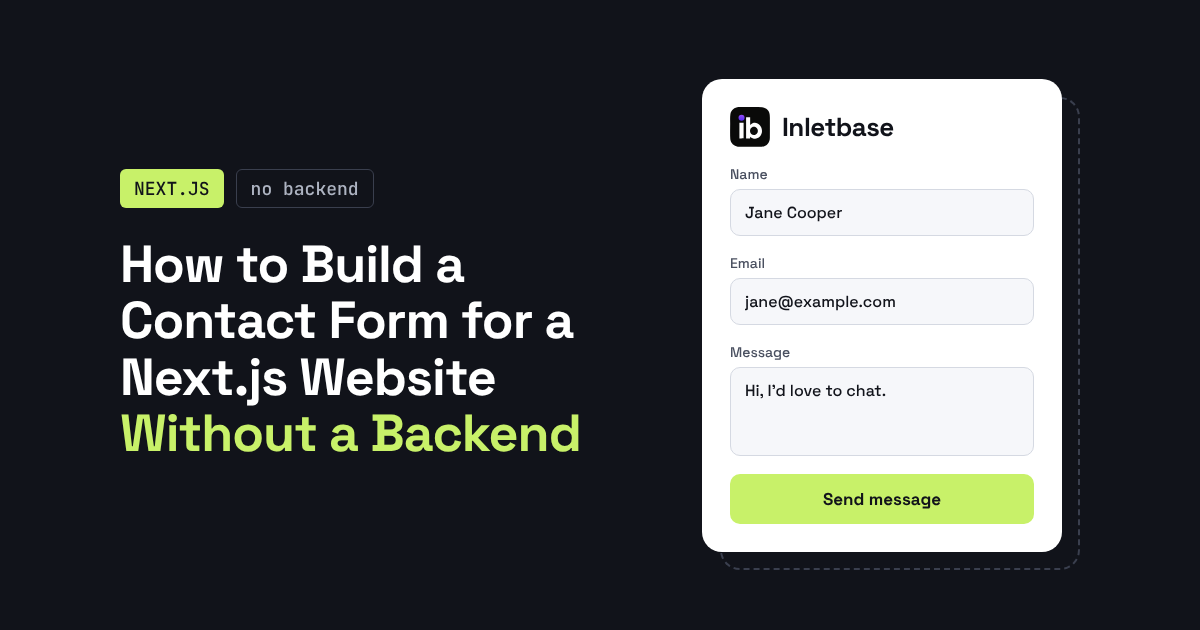
How to Build a Contact Form for a Next.js Website Without a Backend
You can build a Next.js contact form without writing a backend by sending the form to a hosted form endpoint. Use a Server Action to forward the data and keep your API key private, or post straight from a client component. The endpoint stores the submission and can notify you, so you need no API […]
ZaidOct 16, 2026
10 Best Customer Support Plugins for Framer in 2026
The best customer support plugin for Framer depends on what you need. Inletbase suits sites that want forms plus an AI chatbot with human handoff, Helploom suits live chat with a help center, BubblaV suits AI support with human handoff, and Human Reply or the Telegram Chat Button suit simple, human-only replies. All 10 are […]
ZaidOct 12, 2026Latest articles
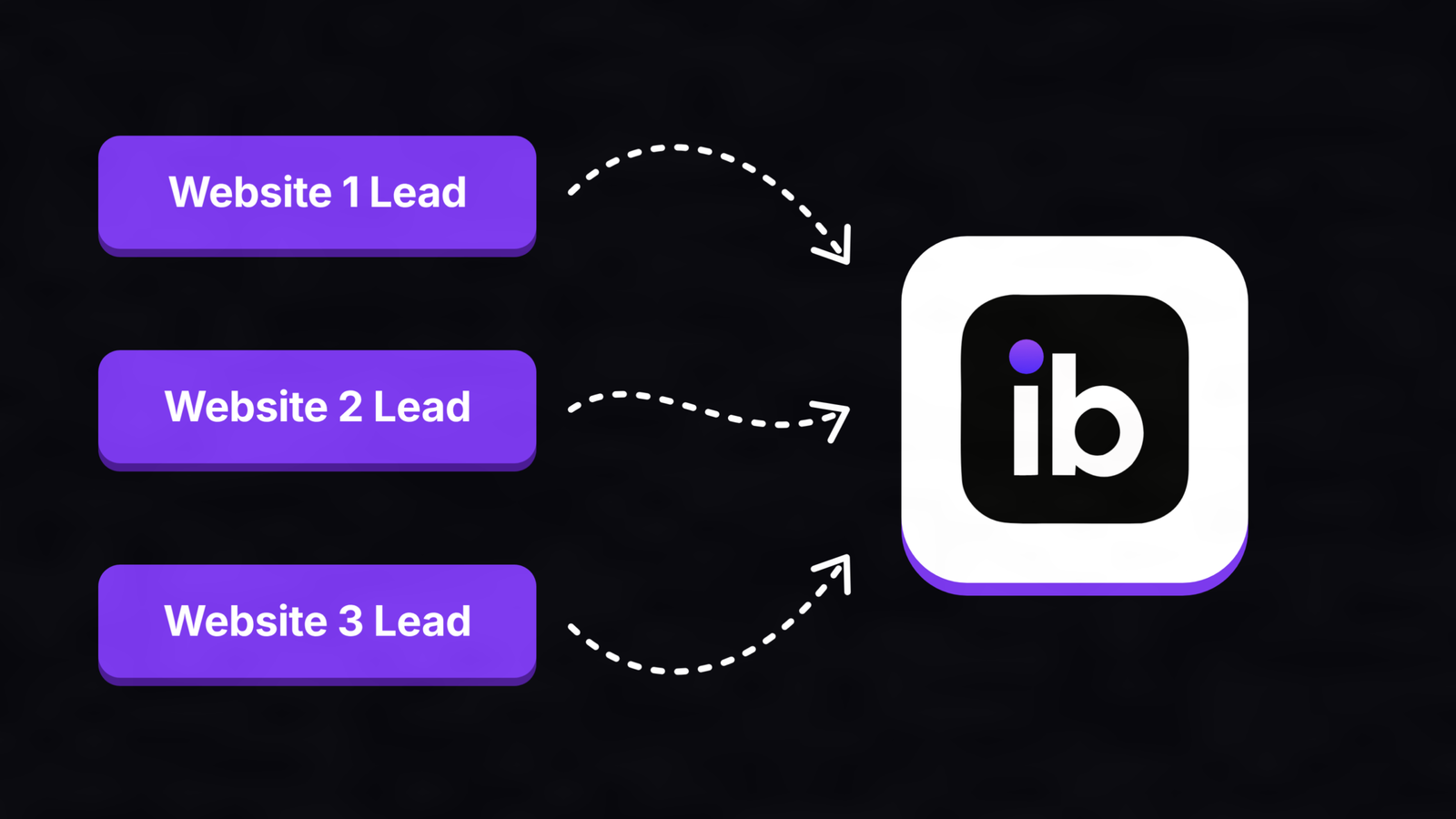
How to Turn Chatbot Conversations Into CRM Leads (Without Zapier)
To turn chatbot conversations into CRM leads without Zapier, have the chatbot send the lead directly to your CRM once a visitor shares their contact details. Use a native CRM sync, a webhook to your CRM’s own endpoint, the CRM’s API, or a chat tool built into the CRM. Send only qualified chats, match on […]
ZaidOct 10, 2026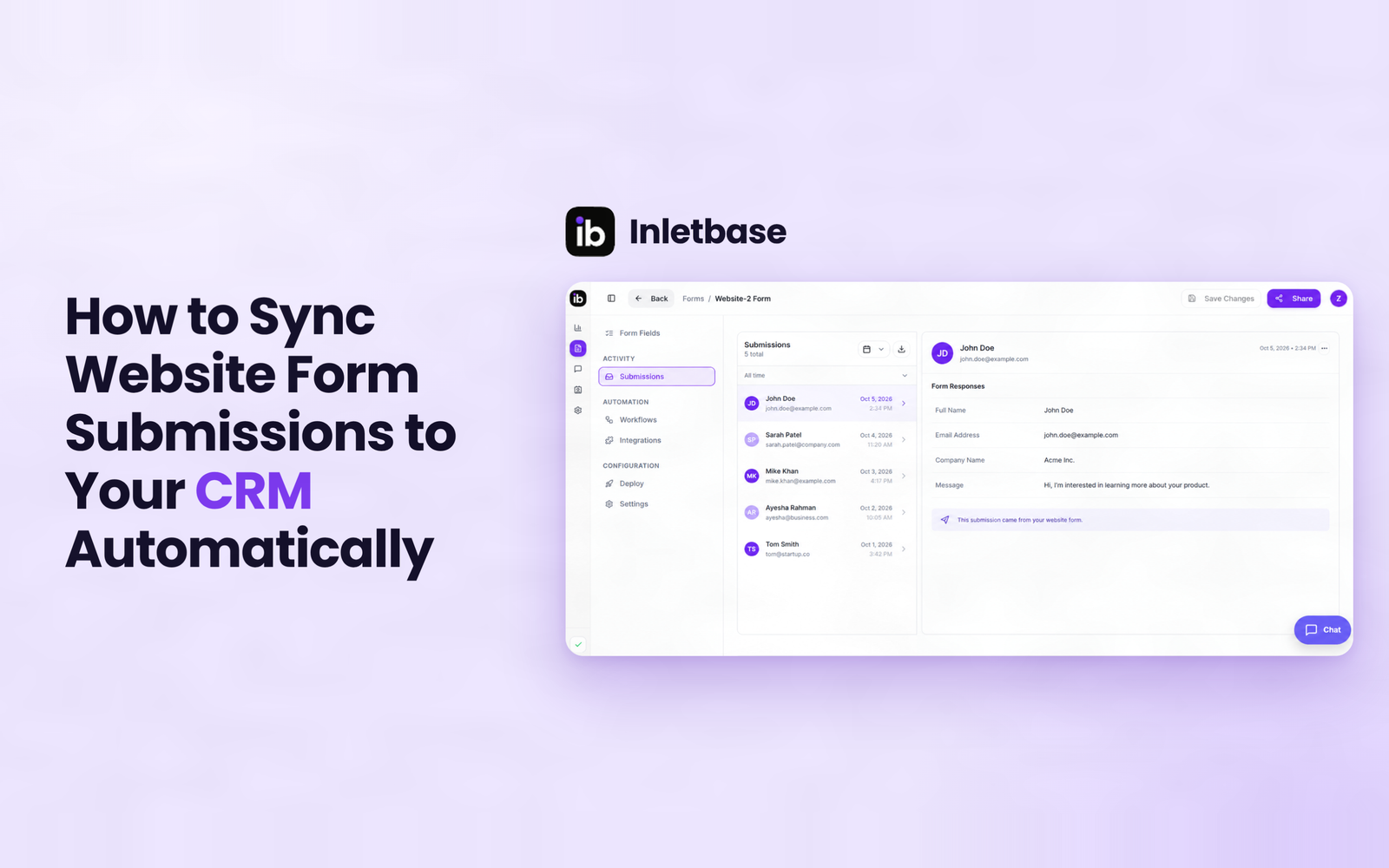
How to Sync Website Form Submissions to Your CRM Automatically
To sync website form submissions to your CRM automatically, send each submission to the CRM the moment it is submitted, using a native integration, a webhook, a connector tool or a CRM-hosted form. Map name, email, message, source and UTM fields, assign an owner on creation, match on email to avoid duplicates, and test every […]
ZaidOct 7, 2026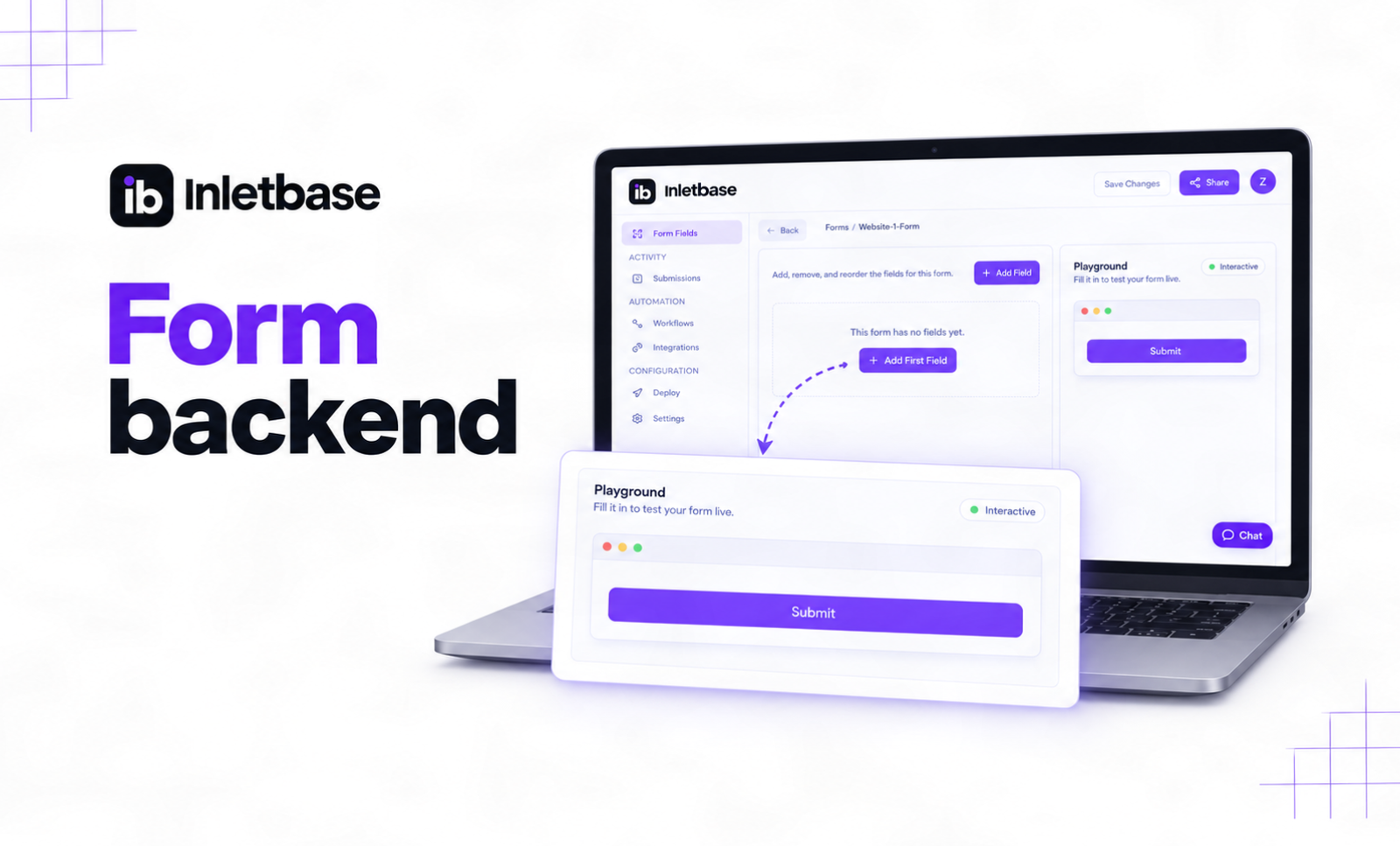
What Is a Form Backend? And How It Works
A form backend is a hosted service that receives the data from your website’s form, stores it, checks it for spam, and sends it on to places like your email, your CRM, or Slack. It does the work a server would normally do, so your form works without you building or running one yourself. At […]
ZaidOct 2, 2026