Why we built Inletbase (and why forms are still broken in 2026)
 Hanzala 4 min read
A few years ago I was helping a friend with her studio’s website. Nice site, built in Webflow, clean contact form. Then she asked the question that started all of this: “So where do the messages actually go?”
Good question. The honest answer was: nowhere useful.
The form worked. Submissions technically arrived. But they landed in an inbox nobody checked, with no record of who followed up, no way to reply quickly, and no connection to the tool she used to track clients. Every new lead was a small scramble. Some got answered in an hour. Some got answered in four days. Some never got answered at all.
That gap kept bugging me. We’ve spent a decade making it trivial to build a form. Drag, drop, style it, ship it. But the part that actually matters, everything that happens after someone hits submit, still feels like it did in 2010.
The options all had a catch
I went looking for something to hand her, and the choices split into two camps.
The form builders wanted to own the whole thing. Use their editor, embed their iframe, live inside their styling and their limits. That meant giving up the design she’d carefully built in Webflow. For a studio whose brand is the product, that was a non-starter.
The other camp was the duct-tape approach. Keep your form, then wire it to Zapier, then to a spreadsheet, then to email, then maybe to a CRM. It works, sort of, until a step silently fails or the per-task pricing creeps up or someone changes a field name and the whole chain quietly breaks. You end up maintaining plumbing instead of talking to customers.
Neither felt right. She didn’t need a new form. She needed a backend for the form she already had.
What “good” actually looked like
The more setups I saw, the clearer the shape of the thing became. The people doing this well weren’t using anything fancy. They just had four boring things working together:
Every submission landed in one place they actually looked at. Leads got a real reply fast, ideally before they’d moved on to a competitor. Contacts flowed into whatever system the team already lived in, automatically. And nobody had to think about any of it after setup.
That’s it. Not glamorous. But almost nobody had all four without stitching together three tools and a prayer.
So we built Inletbase to be exactly that: the part after the submit button. You keep your form, your design, your platform. WordPress, Webflow, Framer, or a hand-coded HTML form, it doesn’t matter. You point it at one endpoint. From there we catch the submission, store it, write a relevant reply with AI using your own pricing and context, and push the contact into your CRM. No iframe. No Zapier bill. No copy-paste.
The chatbot came from the same itch
The AI chatbot side wasn’t a pivot to chase a trend. It came from the same place.
Half the “form submissions” people get are really just questions. What are your hours? Do you handle projects my size? What does this cost? Those don’t need a form and a 24-hour wait. They need an answer right now.
So we made it possible to train a chatbot on your own documents and pages and drop it on your site in one script tag. Same idea as the forms: you own the content, we handle what happens after someone asks.
Where we are, honestly
We’re early. We’d rather say that plainly than pretend otherwise. There are features on our roadmap that aren’t built yet, and there are teams already running their forms and chatbots on Inletbase every day and telling us what’s missing. We read all of it.
If you’ve ever watched a lead go cold because a message sat unanswered in some inbox, you already understand the problem we’re working on. That specific, slightly annoying gap is the whole reason this exists.
You can start free, no credit card, and have it running in a couple of minutes. If you try it and something feels off, tell us. We’re small enough that a real person will read it and probably reply the same day.
Thanks for reading this far. More soon.
Latest articles
AI Chatbot vs Rule-Based Chatbot: Which Is Best for Your Website?
A rule-based chatbot follows a fixed script of buttons and keywords, while an AI chatbot understands questions typed in a visitor’s own words and answers from your content. For most websites, an AI chatbot trained on your own content is the better choice. A rule-based bot wins only when every question is predictable and every […]
 ZaidOct 21, 2026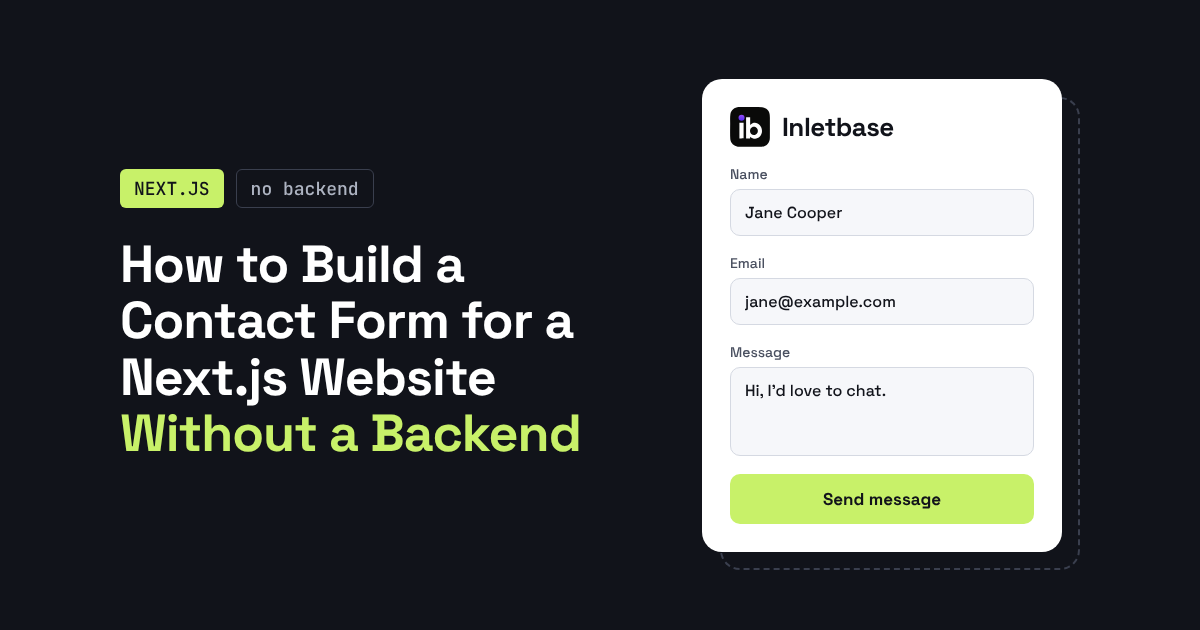
How to Build a Contact Form for a Next.js Website Without a Backend
You can build a Next.js contact form without writing a backend by sending the form to a hosted form endpoint. Use a Server Action to forward the data and keep your API key private, or post straight from a client component. The endpoint stores the submission and can notify you, so you need no API […]
ZaidOct 16, 2026
10 Best Customer Support Plugins for Framer in 2026
The best customer support plugin for Framer depends on what you need. Inletbase suits sites that want forms plus an AI chatbot with human handoff, Helploom suits live chat with a help center, BubblaV suits AI support with human handoff, and Human Reply or the Telegram Chat Button suit simple, human-only replies. All 10 are […]
ZaidOct 12, 2026